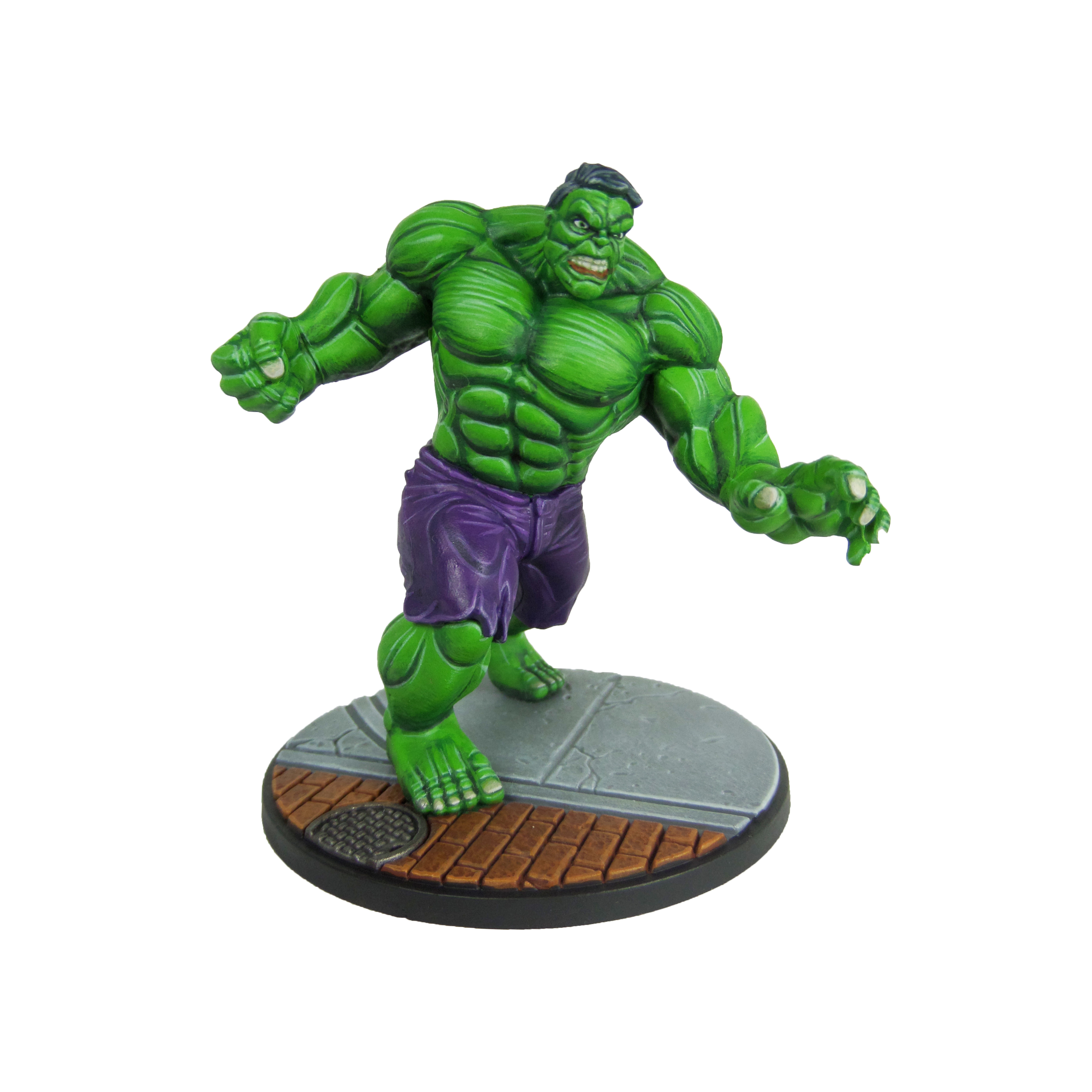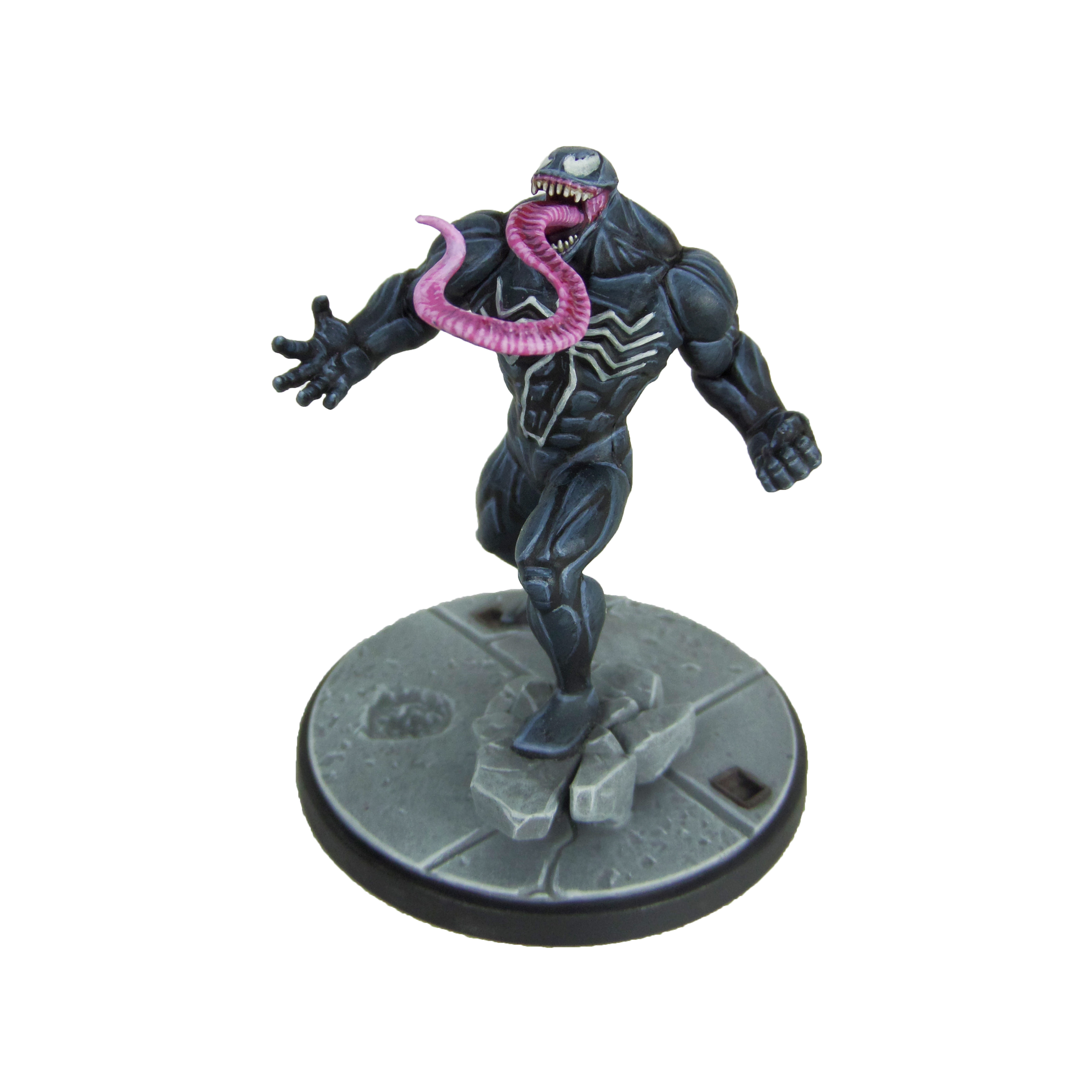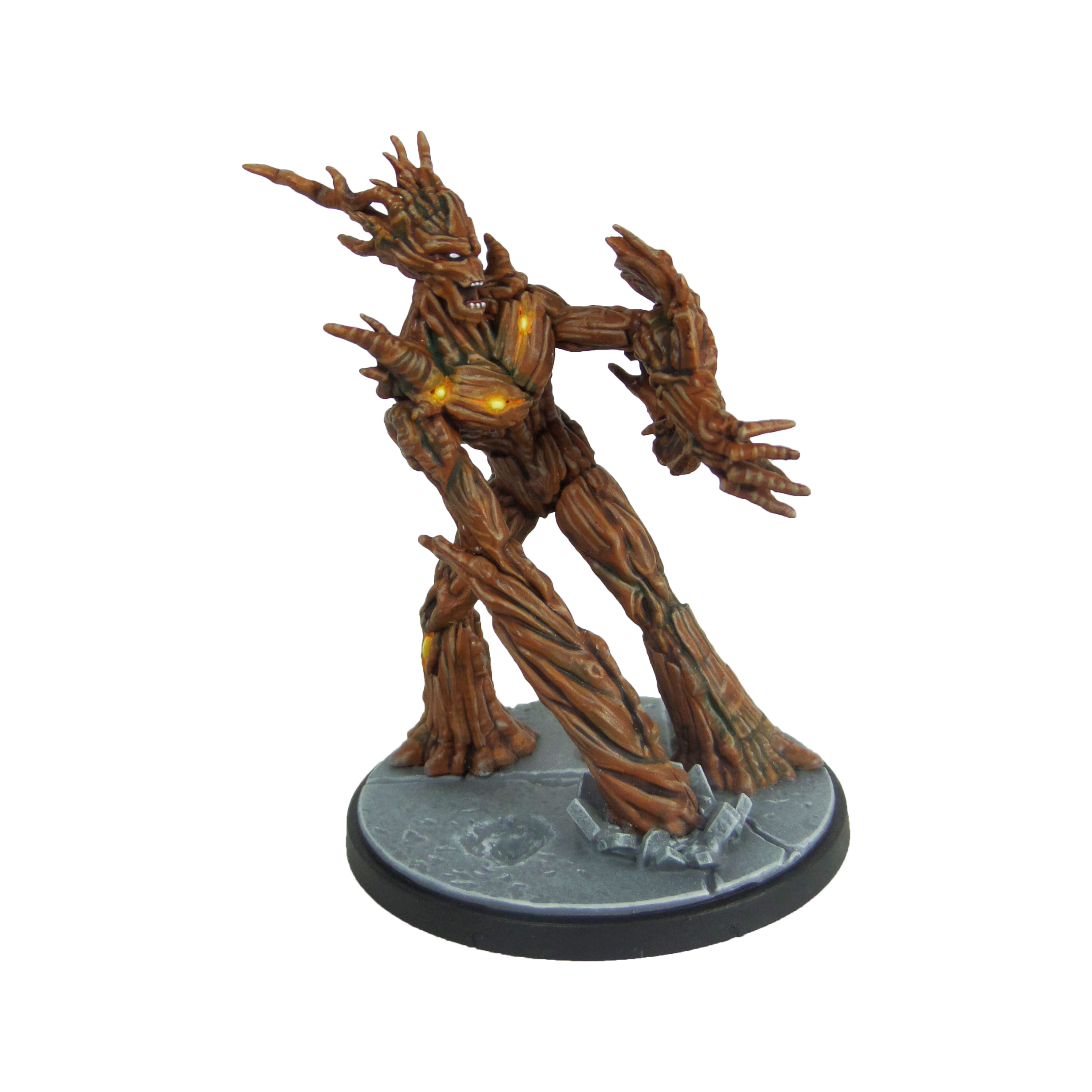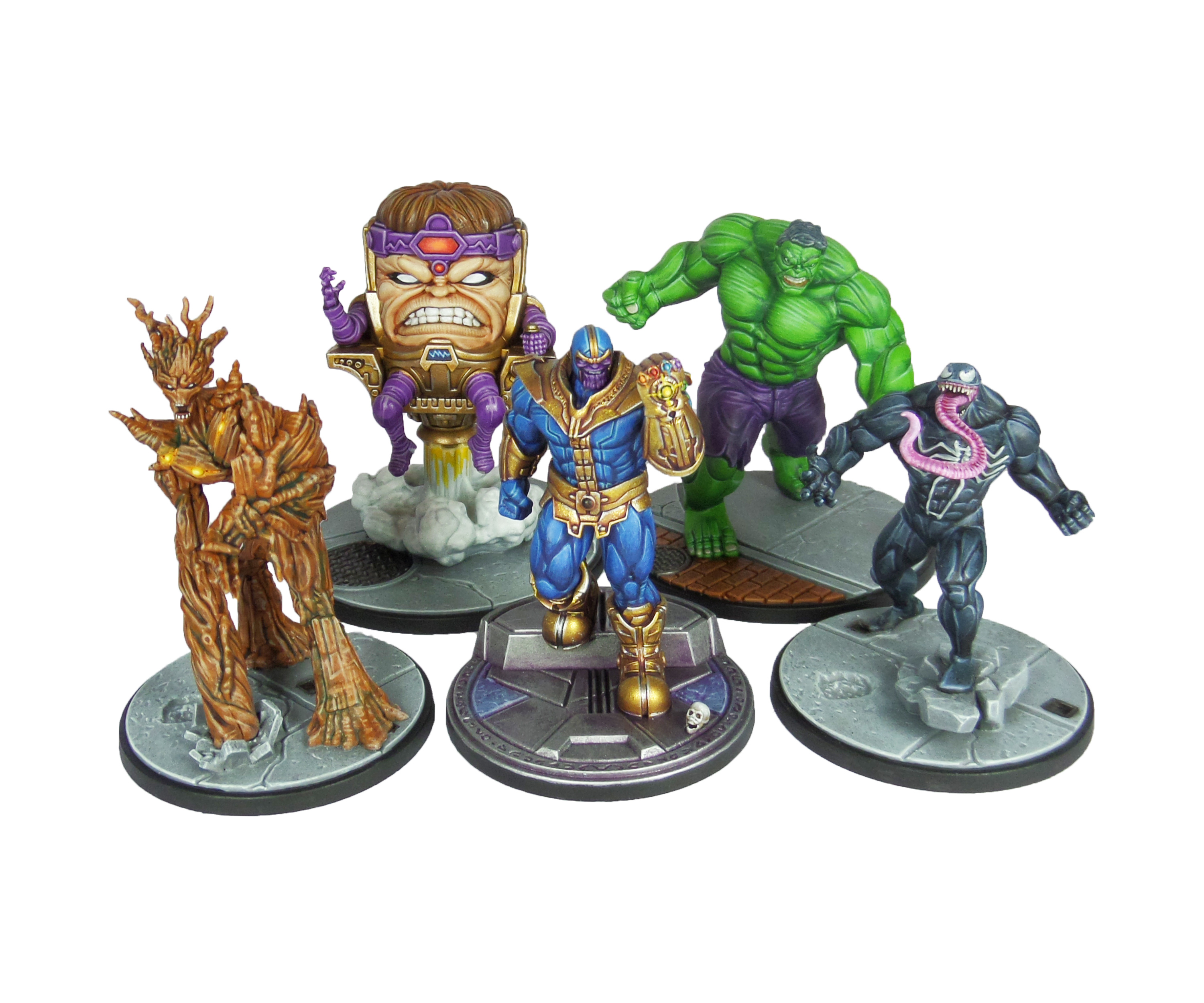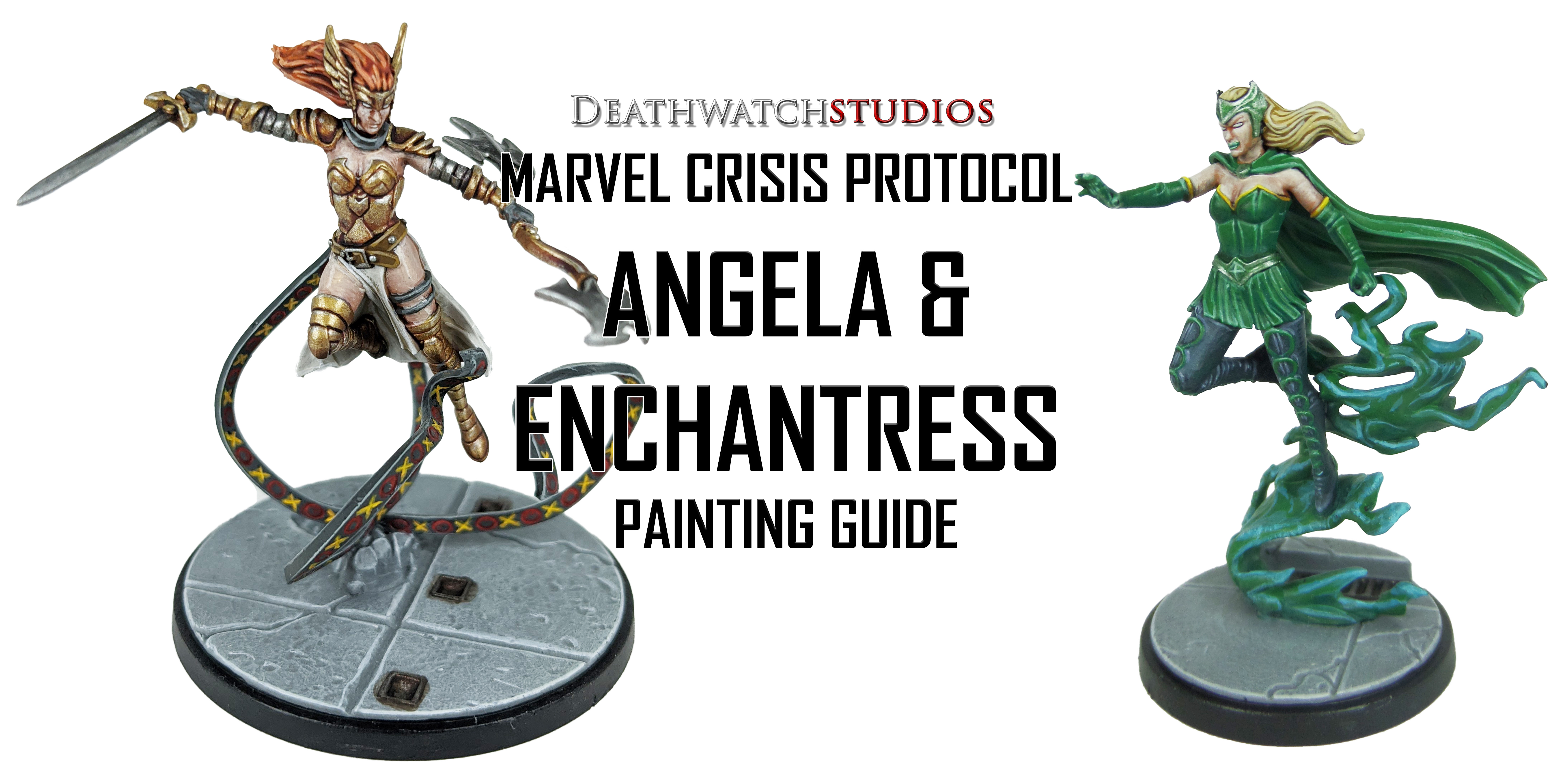
MCP – Angela & Enchantress Painting Guide

Welcome to my latest painting guide!

I need your support. Because my guides takes time and supplies to do, any support you can offer would mean the world to me. A supportive message in the comments is enough, but if you have the means why not send me a gift on Ko-Fi or PayPal. Thank you!

Prep: Fully build both models and undercoat black.

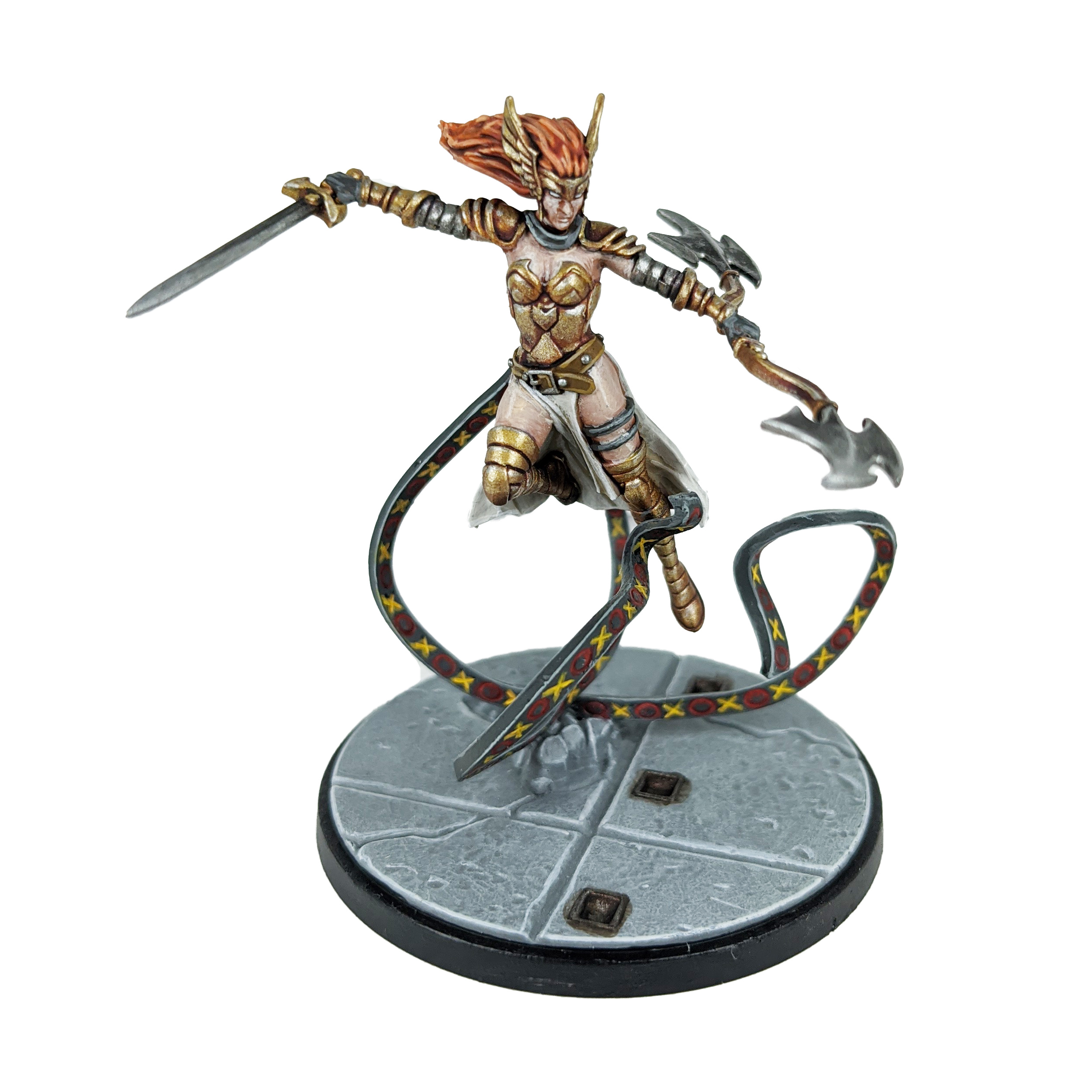
Angela
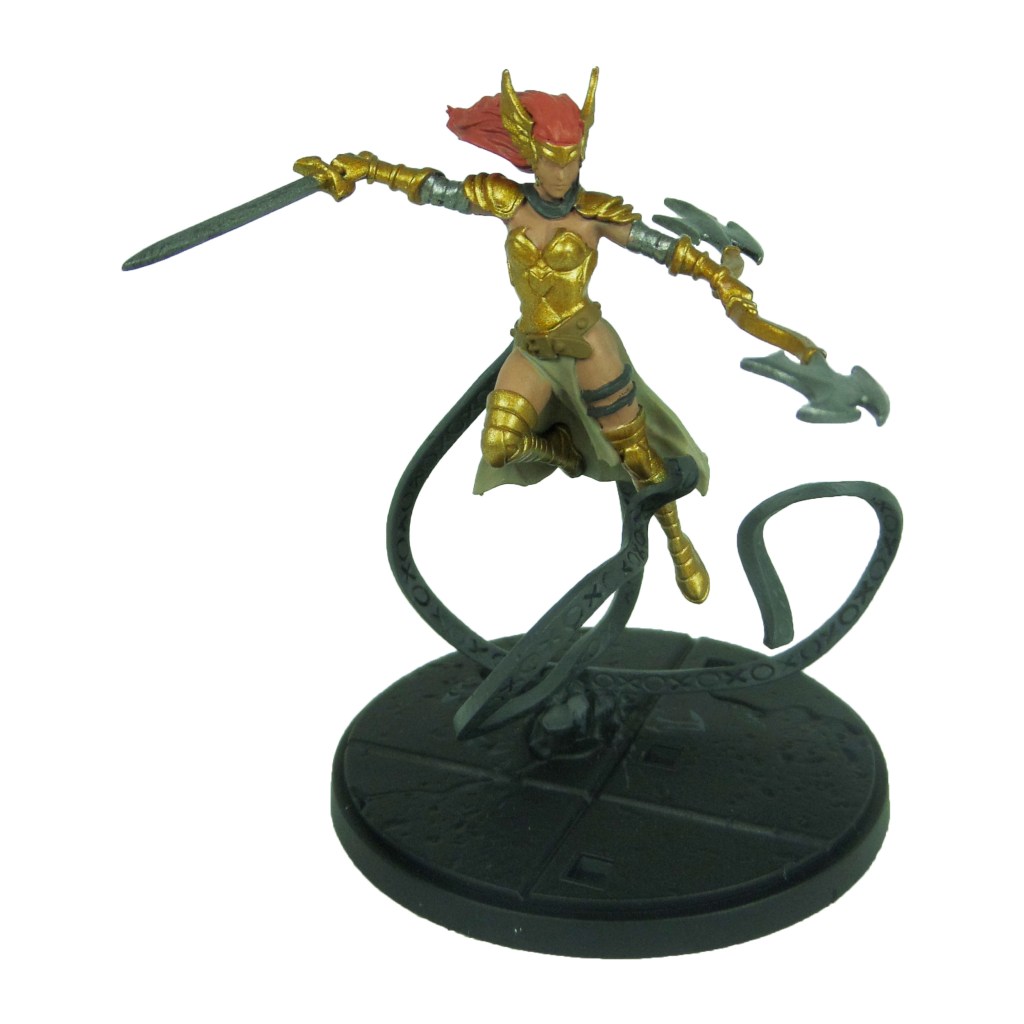
Stage 1

Retributor Armour: Apply a basecoat to the armour.

Cadian Fleshtone: Apply a basecoat to the skin.

Squig Orange: Apply a basecoat to the hair.

Leadbelcher: Apply a basecoat to the weapon heads and upper arm armour.

Skavenblight Dinge: Apply a basecoat to the straps and ribbons.

XV88: Apply a basecoat to the belt.

Karak Stone: Apply a basecoat to the tabards.

Stage 2

Druchii Violet: Apply a shade to the armour.

Reikland Fleshshade: Apply a shade to the skin.

Agrax Earthshade: Apply a shade to the hair.

Nuln Oil: Apply a shade to the weapon heads and arm armour.

Pallid Wych Flesh: Apply a layer to the tabards.

Mephiston Red: Apply carefully in to the circle designs on the ribbons.

Averland Sunset: Apply carefully in to the cross designs on the ribbons.

Stage 3

Liberator Gold: Apply a layer to the armour.

Basic Skintone 70.815(Vallejo): Apply a layer to the skin.

Troll Slayer Orange: Apply a layer to the hair.

Ironbreaker: Apply a layer to the weapon heads and arm armour.

Dawnstone: Apply an edge highlight to the ribbons.

Balor Brown: Apply a line highlight to the belt.

White Scar: Apply a line highlight to the tabards.
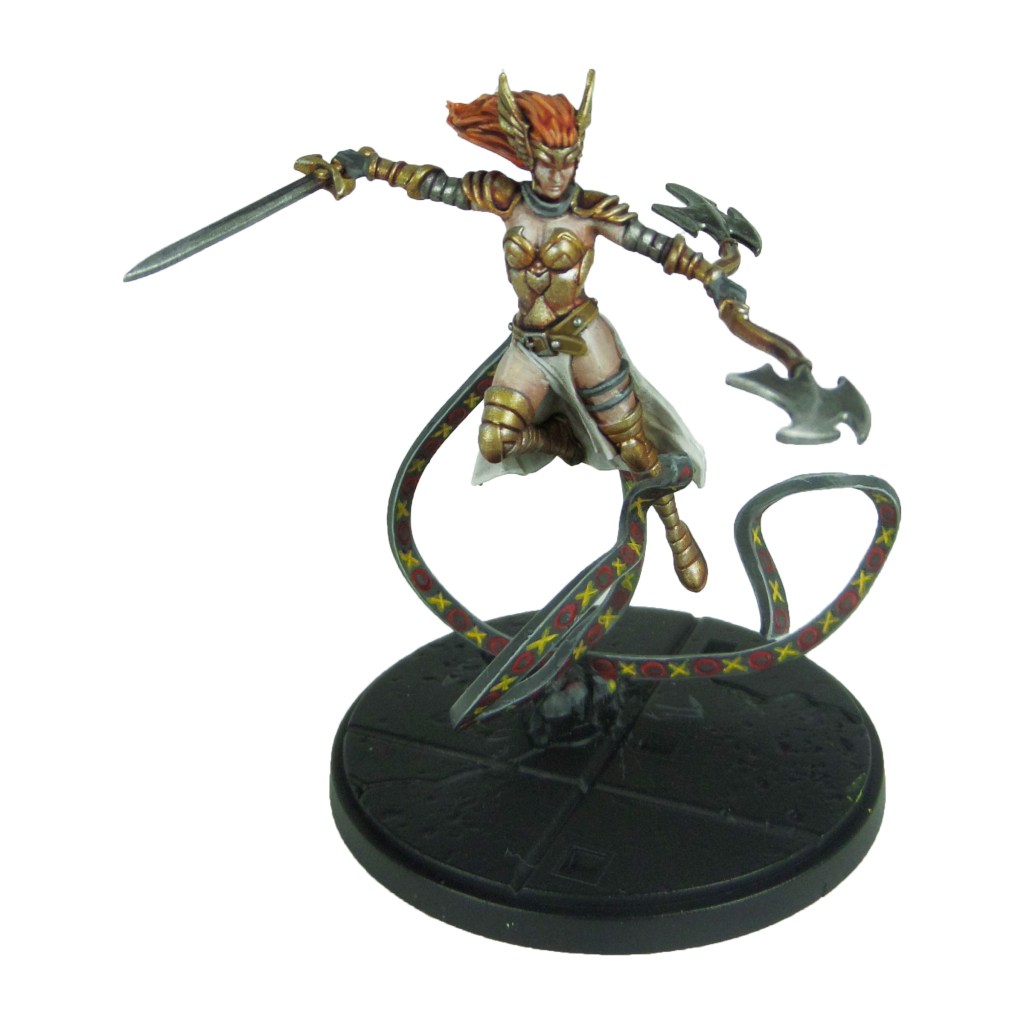
Stage 4

Stormhost Silver: Apply a spot highlight to the weapon heads and arm armour.

Light Flesh 70.928 (Vallejo): Apply a spot highlight to the skin.

Lugganath Orange: Apply a spot highlight to the hair.

Celestra Grey: Apply a spot highlight to the ribbons.

Karak Stone: Apply a spot highlight to the belt.

Yriel Yellow: Apply a spot highlight to the cross designs on the ribbons.

Evil Sunz Scarlet: Apply a spot highlight to the circle designs on the ribbons.

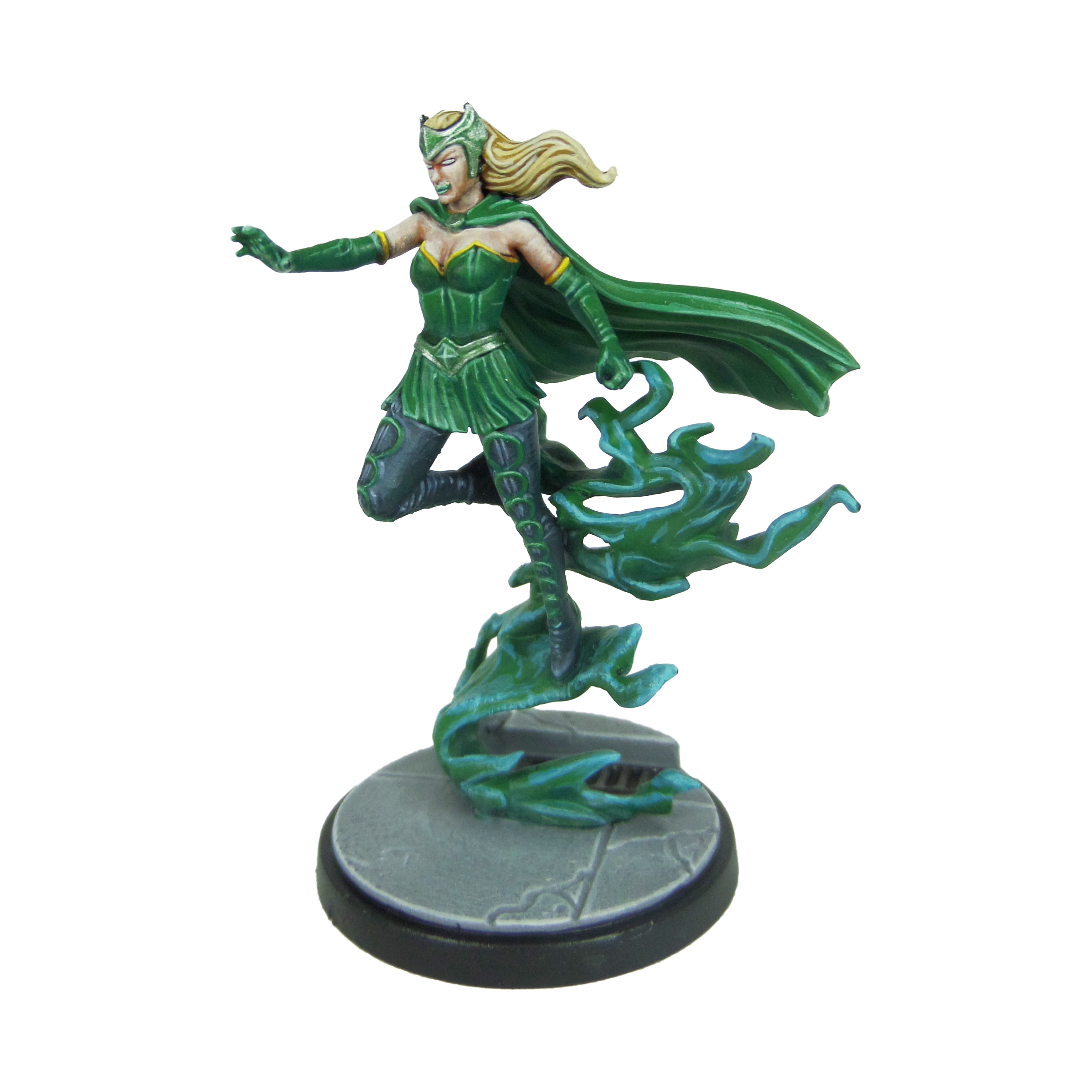
Enchantress
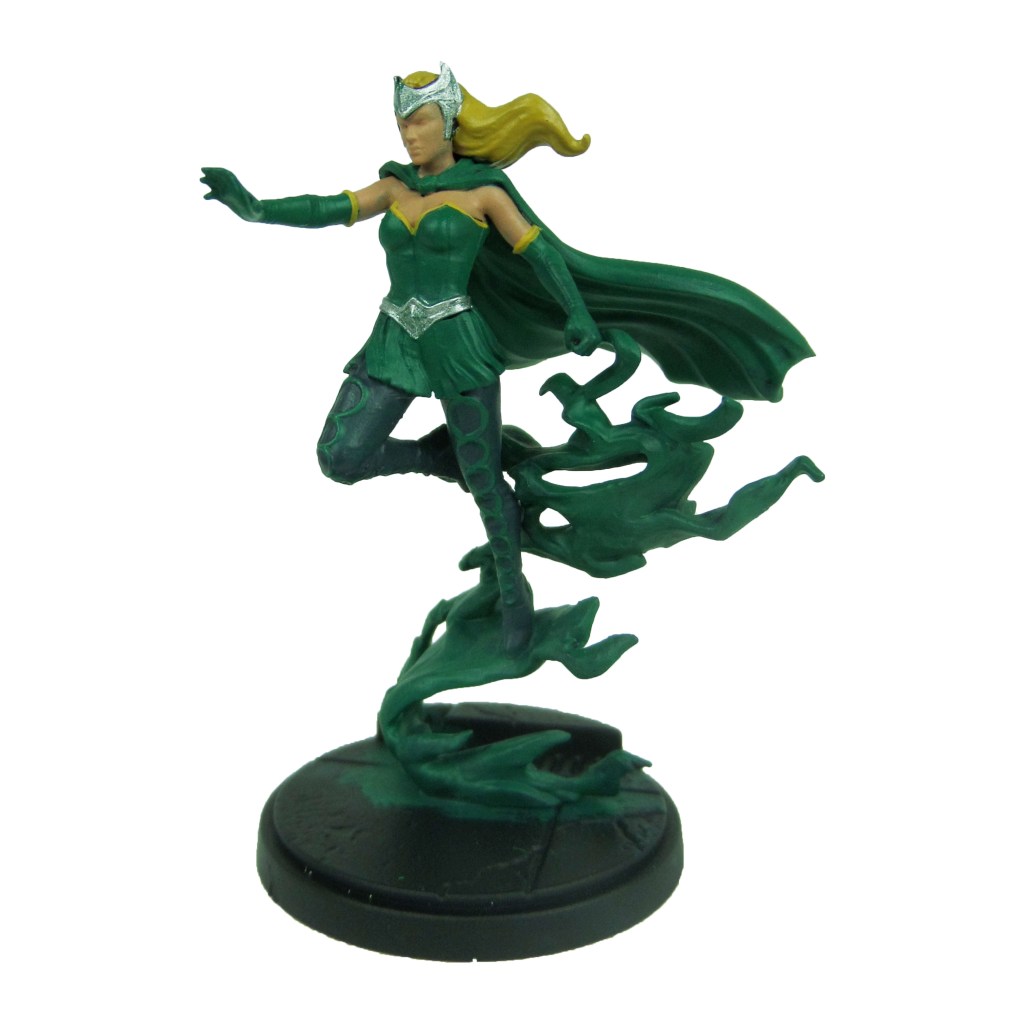
Stage 1

Kabalite Green: Apply a basecoat to the clothes, gloves, cape and smoke.

Cadian Fleshtone: Apply a basecoat to the skin.

Zamesi Desert: Apply a basecoat to the hair.

Incubi Darkness: Apply a basecoat to the trousers.

Averland Sunset: Apply a basecoat to the glove and bodice lining.

Ironbreaker: Apply a basecoat to the crown and belt.

Stage 2

Warpstone Glow: Apply a layer to the clothes, gloves, cape and smoke.

Reikland Fleshshade: Apply a shade to the skin.

Agrax Earthshade: Apply a shade to the yellow lining and hair.

Thunderhawk Blue: Apply a layer to the trousers.

Biel-tan Green: Apply a shade to the crown and belt.

Stage 3

Sybarite Green: Apply a line highlight to the clothes, gloves and cape.

Basic Skintone 70.815(Vallejo): Apply a highlight to the skin.

Blonde Hair 09257 (MSP): Apply a layer to the hair.

Russ Grey: Apply a line highlight to the trousers.

Stormhost Silver: Apply a layer to the crown and belt.

Yriel Yellow: Apply a layer to the yellow lining.

Temple Guard Blue: Apply a highlight to the smoke.

Stage 4

Gauss Blaster Green: Apply a spot highlight to the clothes, gloves and cape.

Light Flesh 70.928 (Vallejo): Apply a spot highlight to the skin.

Blonde Highlight 09258 (MSP): Apply a line highlight to the hair.

Fenrisian Grey: Apply a spot highlight to the trousers.

Phalanx Yellow: Apply a spot highlight to the yellow lining.

Baharroth Blue: Apply a spot highlight to the smoke.

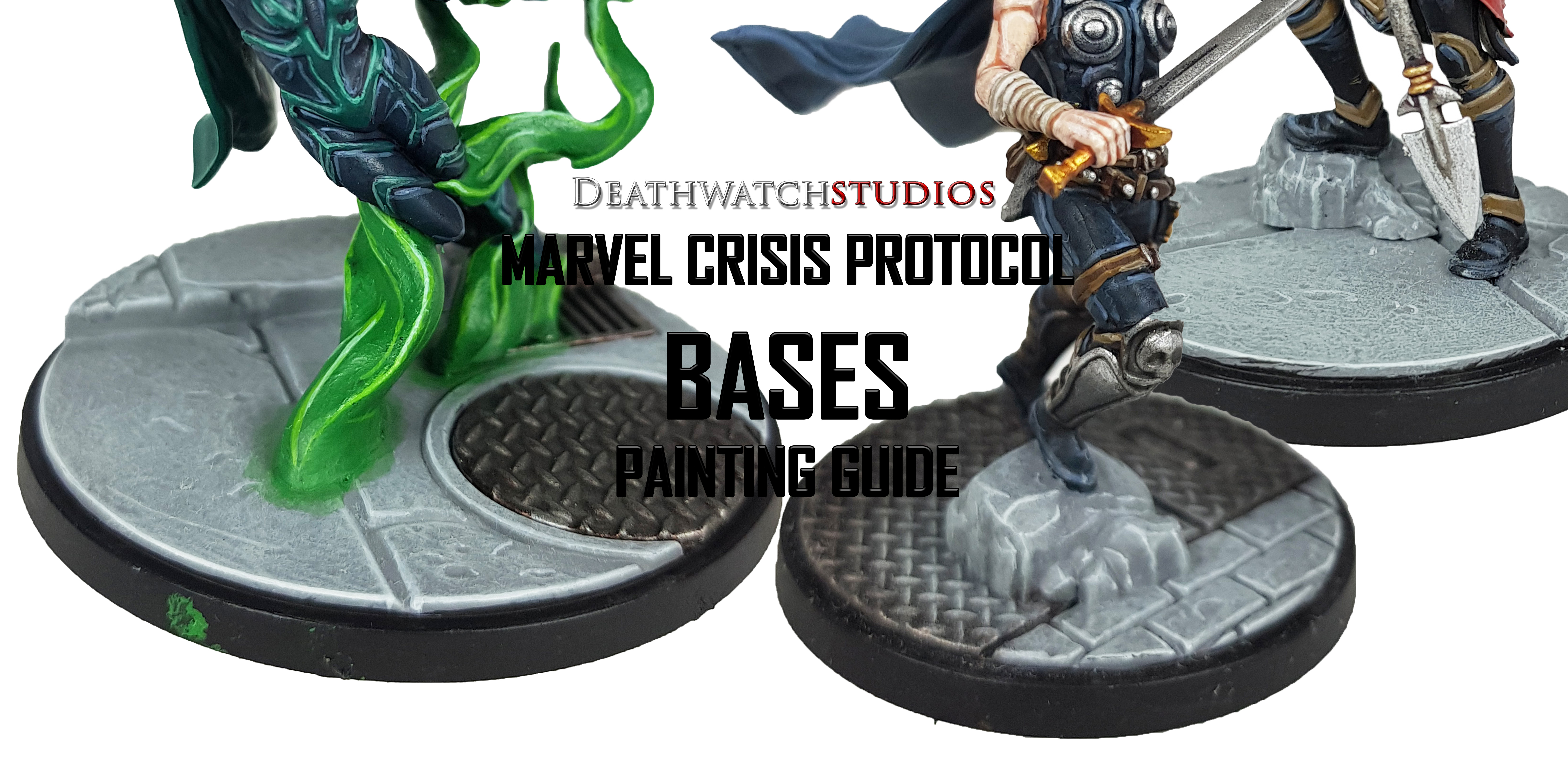
Finish the model of by painting the base, using my Base Painting Guide.

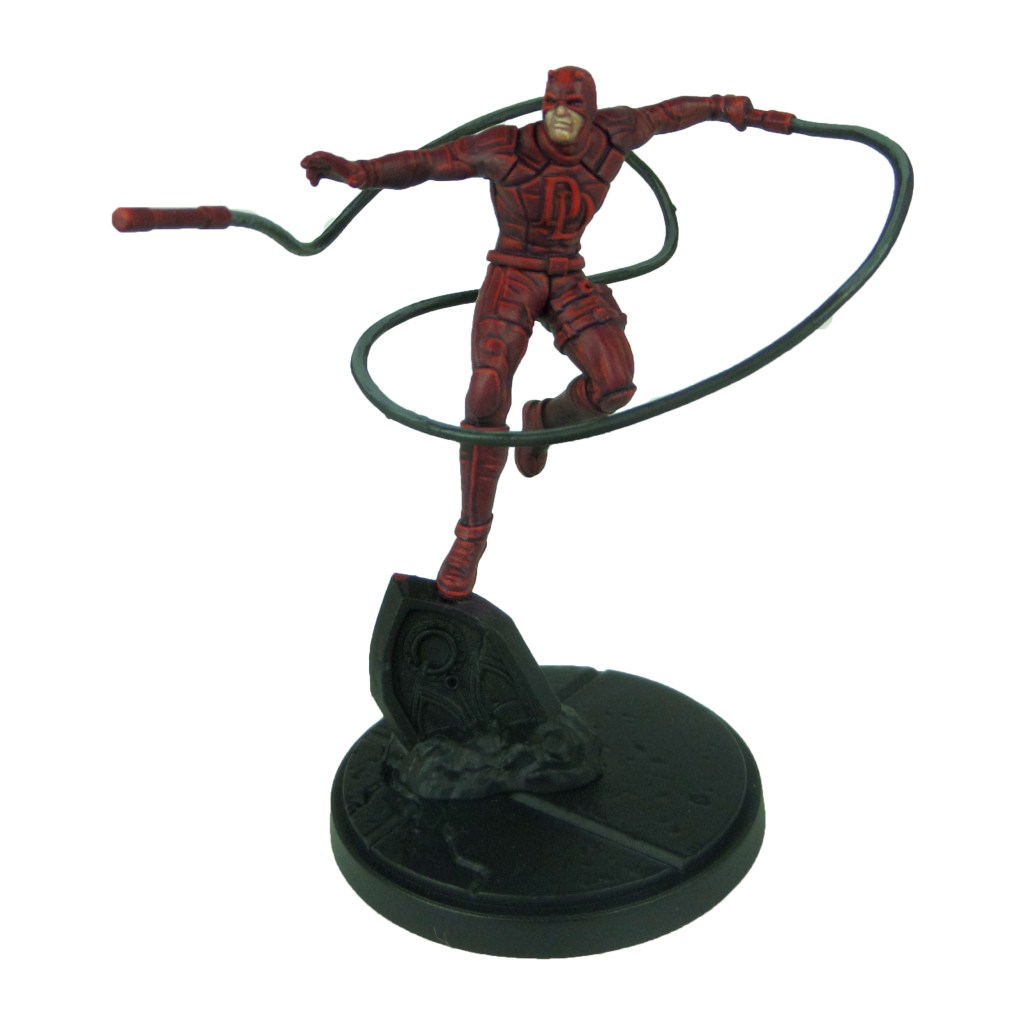
MCP – Bullseye & Daredevil Painting Guide

Welcome to my latest painting guide!

I need your support. Because my guides takes time and supplies to do, any support you can offer would mean the world to me. A supportive message in the comments is enough, but if you have the means why not send me a gift on Ko-Fi or PayPal. Thank you!

Prep: Fully build both models and undercoat black.

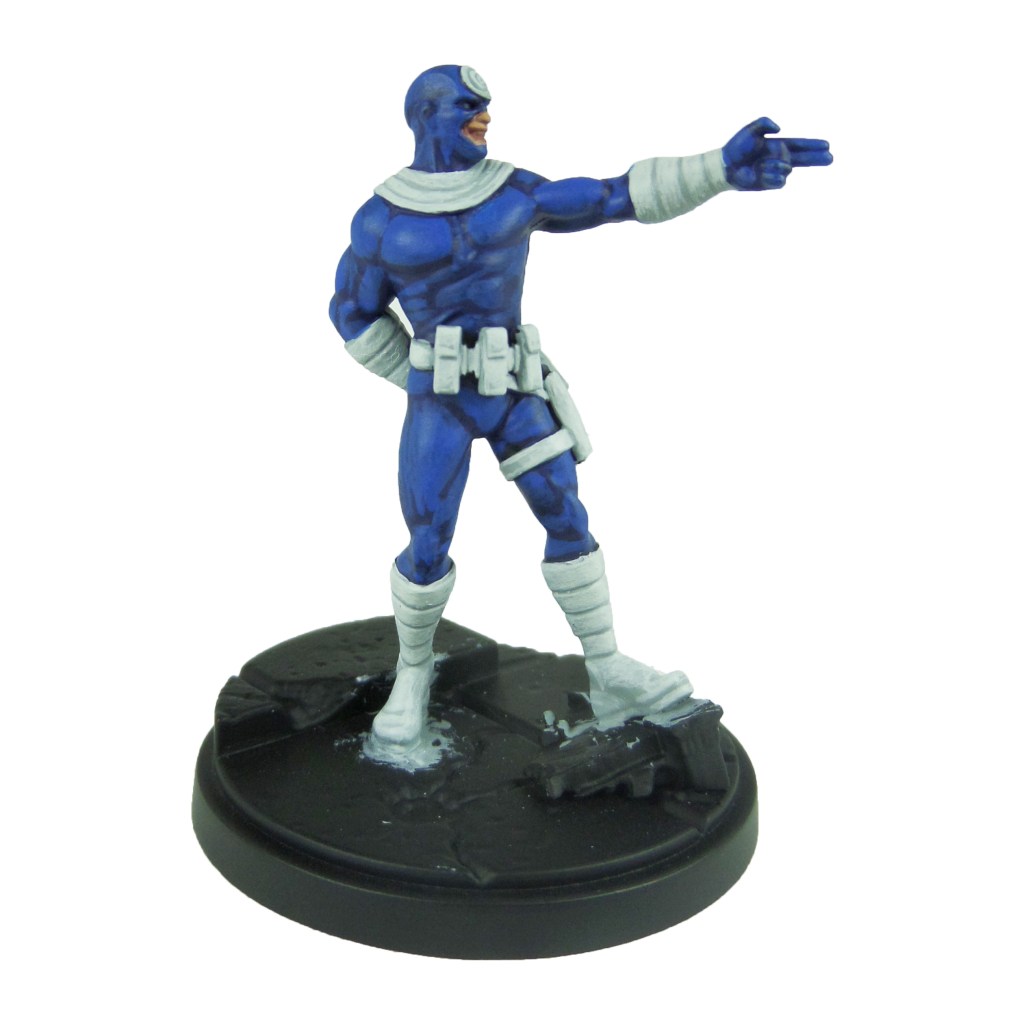
Bullseye

Stage 1

Kantor Blue: Apply a basecoat to the bodysuit.

Celestra Grey: Apply a basecoat to the suit detailing, pouches and straps.

Bugman’s Glow: Apply a basecoat to the skin.

Leadbelcher: Apply a basecoat to the knives.

Stage 2

Caledor Sky: Apply a layer to the bodysuit.

Ulthuan Grey: Apply a layer to the suit detailing, pouches and straps.

Cadian Fleshtone: Apply a layer to the skin.

Nuln Oil: Apply a shade to the knives.

Stage 3

Teclis Blue: Apply a line highlight to the bodysuit.

White Scar: Apply a highlight to the suit detail, pouches and straps.

Basic Skintone 70.815(Vallejo): Apply a highlight to the skin.

Iron breaker: Apply a layer to the knives.

Stage 4

Temple Guard Blue: Apply a spot highlight to the bodysuit.

Light Flesh 70.928 (Vallejo): Apply a spot highlight to the skin.

Stormhost Silver: Apply a spot highlight to the knives.

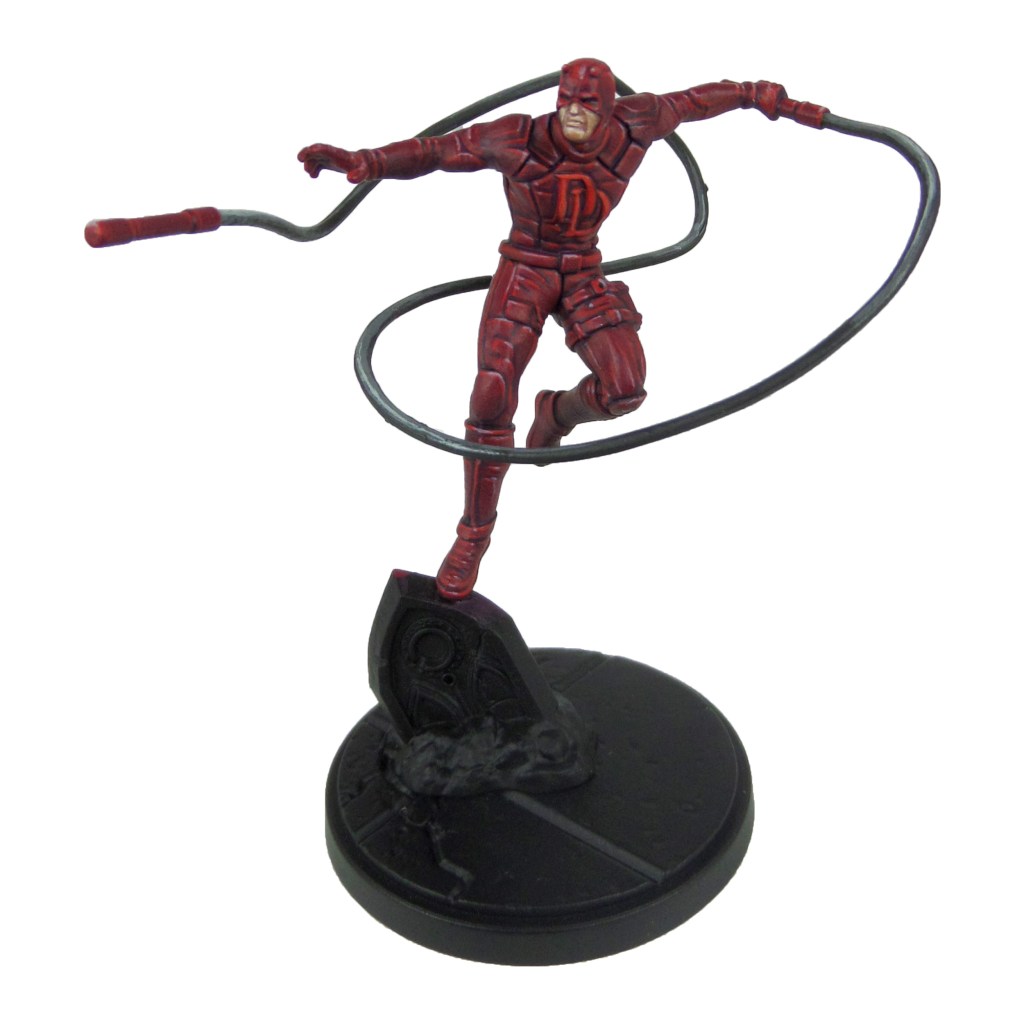
Daredevil

Stage 1

Barack-var Burgundy: Apply a basecoat to the suit and batons.

Bugman’s Glow: Apply a basecoat to skin.

Skavenblight Dinge: Apply a basecoat to the ropes.

Stage 2

Khorne Red: Apply a layer to suit and batons.

Cadian Fleshtone: Apply a layer to skin.

Nuln Oil: Apply a shade to the ropes.

Mephiston Red: Apply a layer to chest DD and the eyes.

Stage 3

Evil Sunz Scarlet: Apply a line highlight to the suit and a layer to the chest DD.

Basic Skintone 70.815(Vallejo): Apply a highlight to the skin.

Dawnstone: Apply a layer to the ropes.

Stage 4

Slaanesh Grey: Apply a spot highlight to the suit and batons.

Light Flesh 70.928 (Vallejo): Apply a spot highlight to the skin.

Celestra Grey: Apply a spot highlight to the ropes.

Wild Rider Red: Apply a spot highlight to the chest DD and eyes.

Finish the model of by painting the base, using my Base Painting Guide.

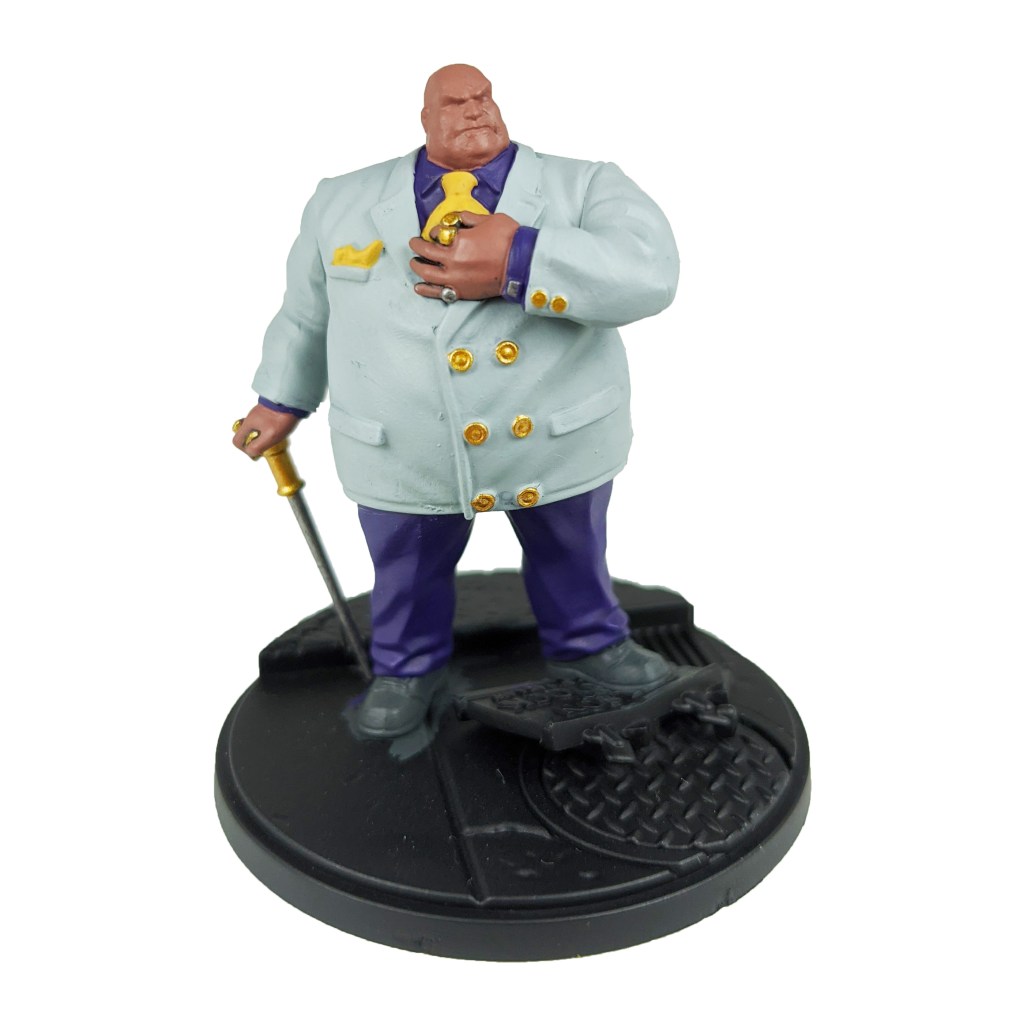
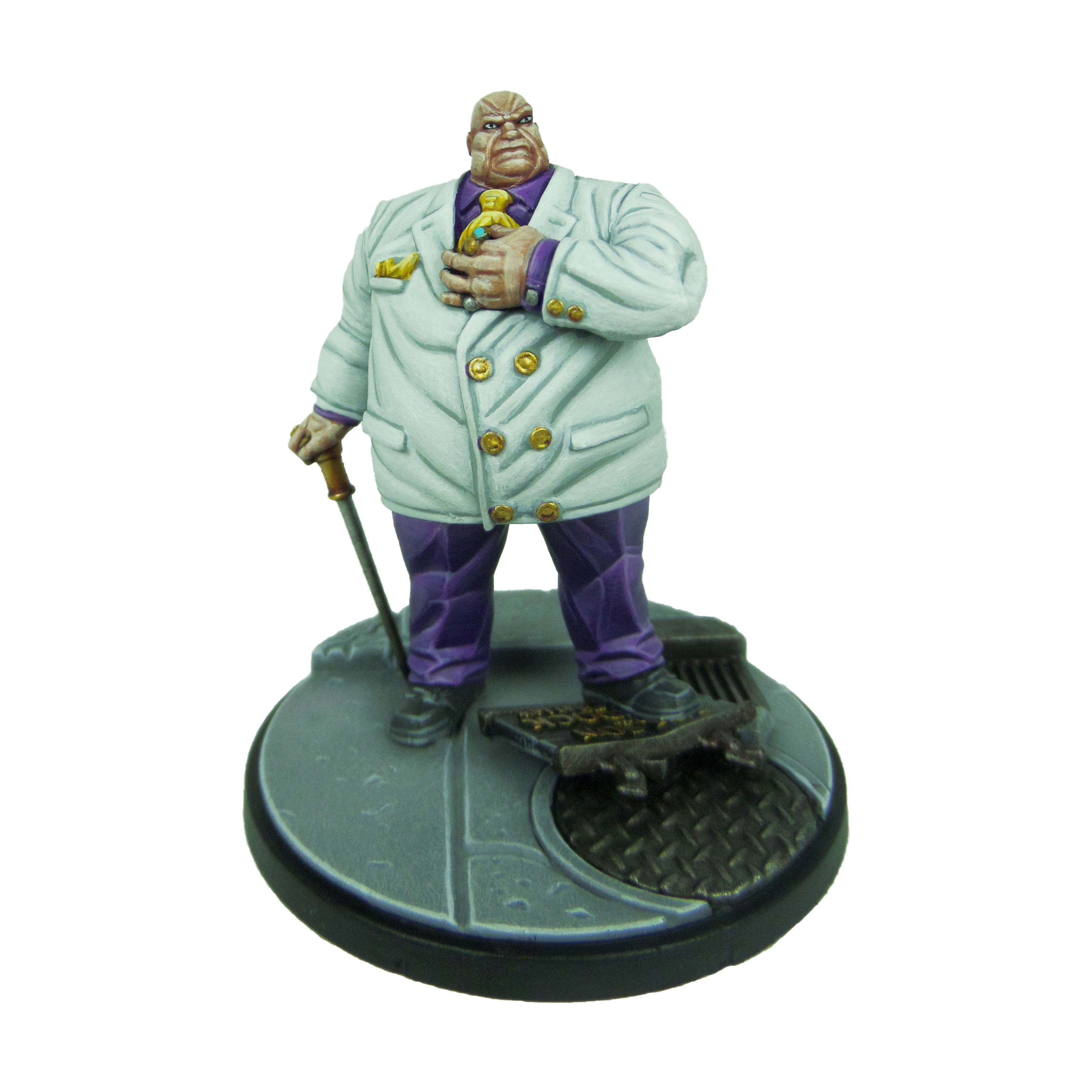
MCP – Kingpin Painting Guide

Welcome to my latest painting guide!

I need your support. Because my guides takes time and supplies to do, any support you can offer would mean the world to me. A supportive message in the comments is enough, but if you have the means why not send me a gift on Ko-Fi or PayPal. Thank you!

Prep. Miniature fully built and undercoated black.

Stage 1

Celestra Grey: Apply a basecoat to the jacket.

Bugman’s Glow: Apply a basecoat to the skin.

Skavenblight Dinge: Apply a basecoat to the shoes and cane.

Phoenician Purple: Apply a basecoat to the shirt and trousers.

Retributor Armour: Apply a basecoat to the buttons and cane top.

Leadbelcher: Apply a basecoat to the rings and cufflinks.

Averland Sunset: Apply a basecoat to the tie and cravat.

Stage 2

Ulthuan Grey: Apply a layer to the jacket.

Cadian Fleshtone: Apply a layer to the skin.

Nuln Oil: Apply a shade to the rings, cufflinks and shoes.

Genestealer Purple: Apply a layer to the shirt and trousers.

Druchii Violet: Apply a shade to the buttons and cane top.

Agrax Earthshade: Apply a shade to the tie and cravat.

Stage 3

White Scar: Apply a layer to the jacket.

Basic Skintone 70.815(Vallejo): Apply a highlight to the skin.

Iron breaker: Apply a highlight to the rings and cufflinks.

Dawnstone: Apply an edge highlight to the shoes and cane.

Kakophoni purple: Apply a highlight to the shirt and trousers.

Yriel Yellow: Apply a layer to the tie and cravat.

Auric Armour Gold: Apply a layer to the buttons and can top.

Stage 4

Light Flesh 70.928 (Vallejo): Apply a line highlight to the skin.

Stormhost Silver: Apply a spot highlight to the rings and cufflinks.

Celestra Grey: Apply a spot highlight to the shoes and cane.

Dechala Lilac: Apply a spot highlight to the shirt and trousers.

Dorn Yellow: Apply a spot highlight to the tie and cravat.

Baharroth Blue: Apply a layer to the centre of the tie pin.

Finish the model of by painting the base, using my Base Painting Guide.
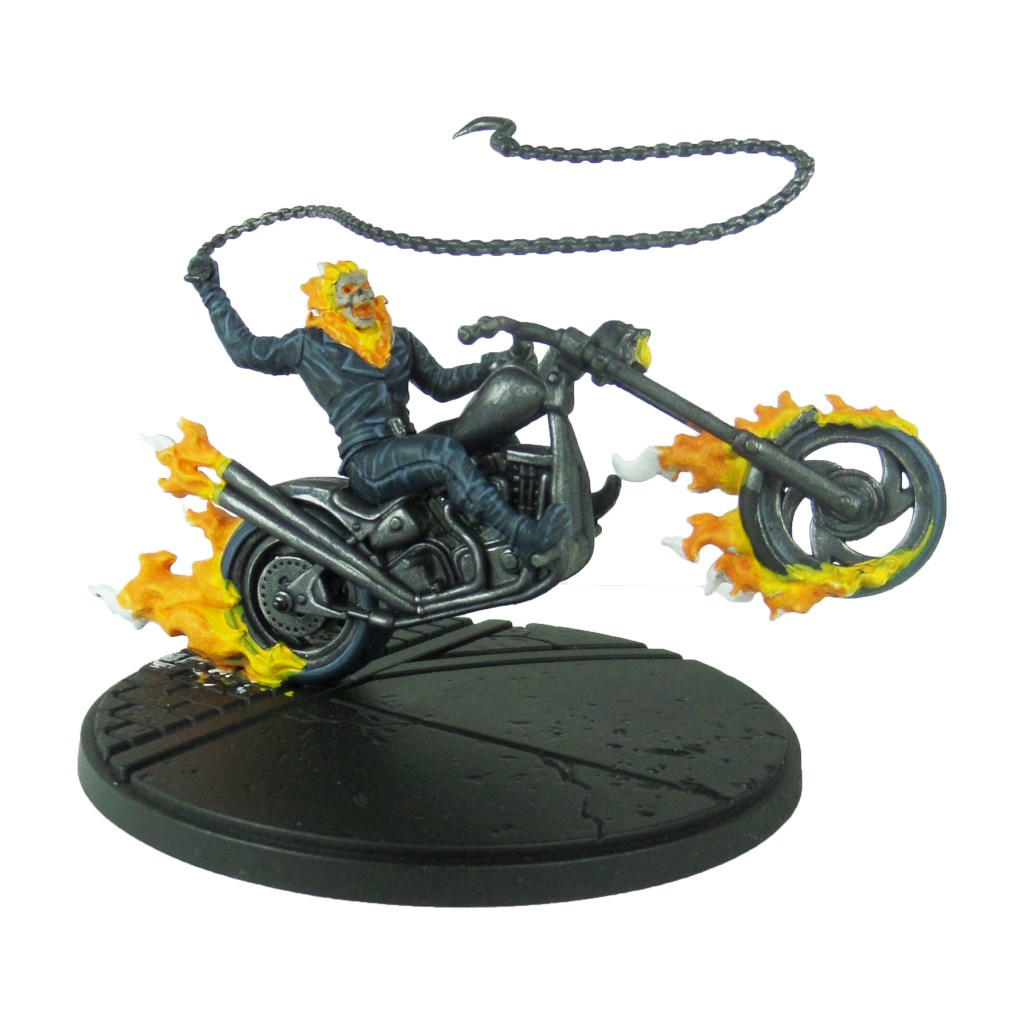
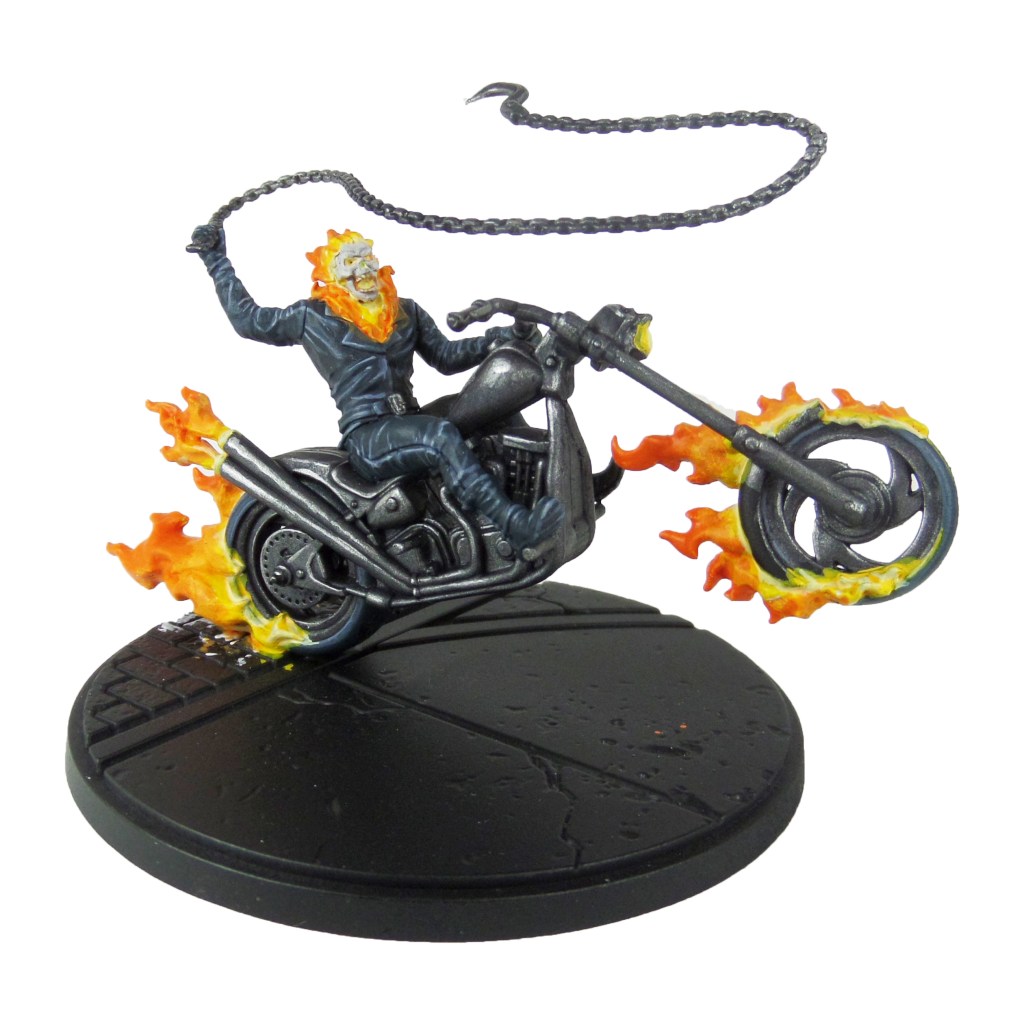
MCP – Ghost Rider Painting Guide

Welcome to my latest painting guide!

I need your support. Because my guides takes time and supplies to do, any support you can offer would mean the world to me. A supportive message in the comments is enough, but if you have the means why not send me a gift on Ko-Fi or PayPal. Thank you!

Prep: Miniature fully built and undercoated black.

Stage 1

Iron warriors: Apply a basecoat across the bike and chain.

Incubi Darkness: Apply a basecoat to the clothing and tires.

White scar: Apply a basecoat to the flames. Build this up over several thin layers.

Stage 2

Drakenhof Nightshade: Apply a shade to the metals.

Thunderhawk Blue: Apply a layer to the clothes and tires.

Steel Legion Drab: Apply a basecoat to the skull.

Yriel Yellow: Make a mix with 1 parts water and apply to the base of the flames and headlight.

Stage 3

Ironbreaker: Apply a layer to the metals.

Russ Grey: Apply a line highlight to the clothes and tires.

Rakarth Flesh: Apply a layer to the skull.

Fire Dragon Bright: Make a mix with 2 parts water and apply to the centre of the flames.

Phalanx Yellow: Apply a layer to the headlight.

Stage 4

Stormhost Silver: Apply a spot highlight to the metals.

Fenrisian Grey: Apply a spot highlight to the clothes and tires.

Pallid Wych Flesh: Apply a line highlight to the skull.

Trollslayer Orange: Apply a layer to the tips of the flames.

Dorn Yellow: Apply a line to the join point of flames to bike and rider.

Finish the model of by painting the base, using my Base Painting Guide.

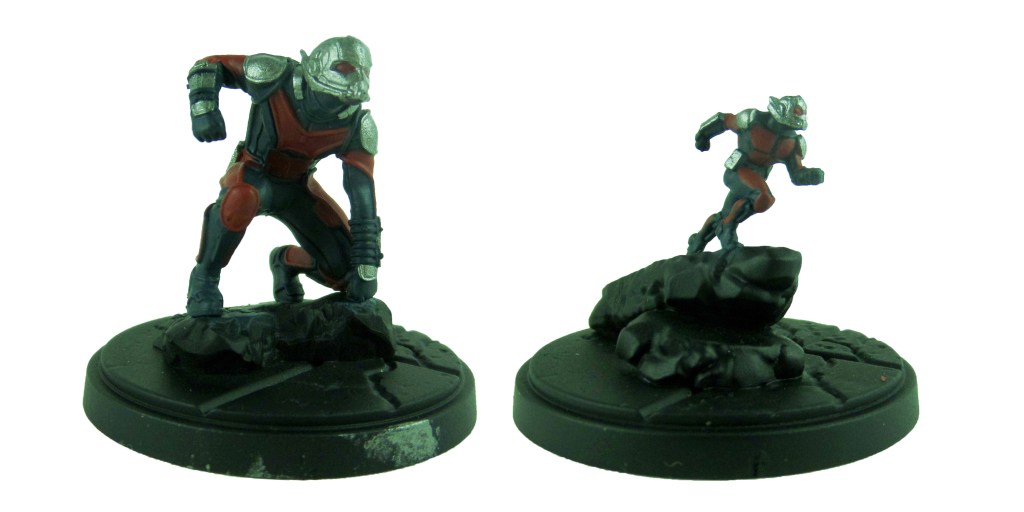
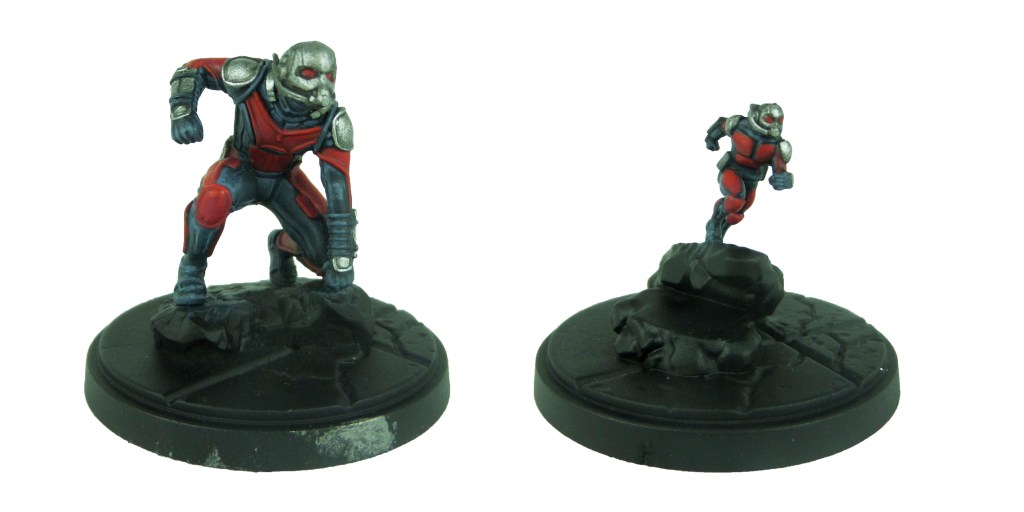
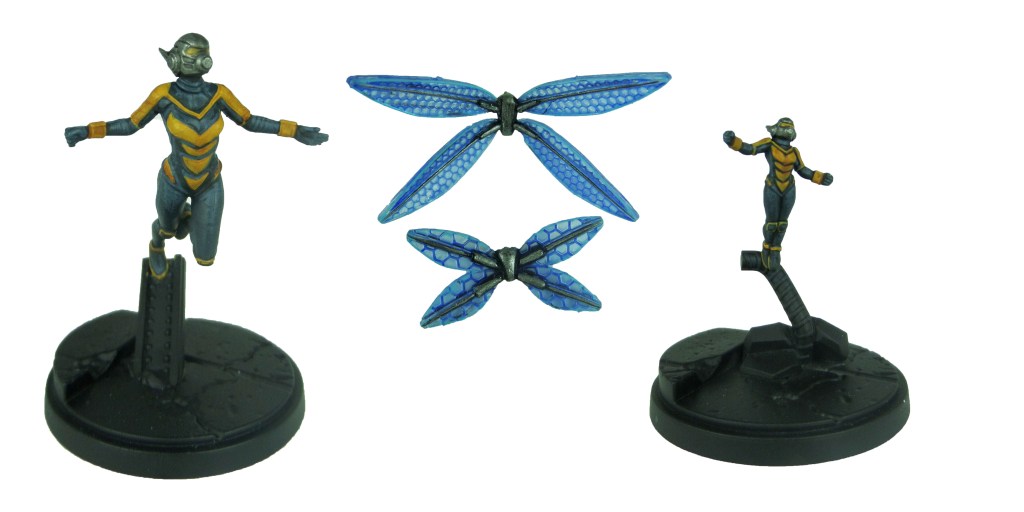
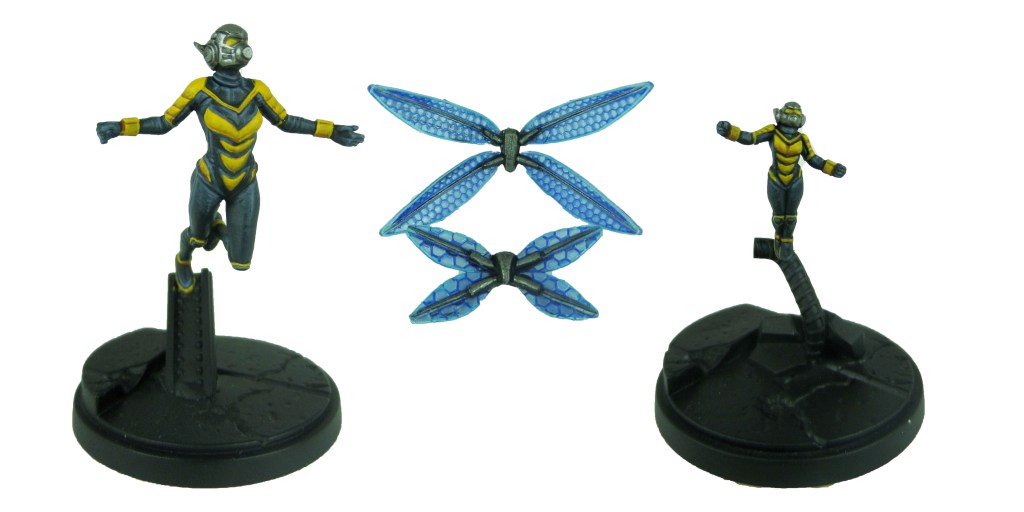
MCP – Ant-man & Wasp Painting Guide

Welcome to my latest painting guide!

I need your support. Because my guides takes time and supplies to do, any support you can offer would mean the world to me. A supportive message in the comments is enough, but if you have the means why not send me a gift on Ko-Fi or PayPal. Thank you!
Prep: Fully build both models except for Wasps wings and undercoat only the models black.

Ant-man

Stage 1

Incubi Darkness: Apply a basecoat to the undersuit.

Leadbelcher: Apply a basecoat to the helmet, shoulders, waist and wrists.

Word Bearers Red: Apply a basecoat to the armour panels and lenses.

Stage 2

Thunderhawk Blue: Apply a layer to the undersuit.

Nuln Oil: Apply a shade to the metals.

Wazdakka Red: Apply a layer to the armour panels and lenses.

Stage 3

Russ Grey: Apply a line highlight to the undersuit.

Ironbreaker: Apply a layer to the metals.

Evil Sunz Scarlet: Apply a line highlight to the armour panels and lenses.

Stage 4

Fenrisian Grey: Apply a spot highlight to the undersuit.

Stormhost Silver: Apply a spot highlight to the metals.

Lugganath Orange: Apply a spot highlight to the armour panels and lenses.

Wasp

Stage 1

Incubi Darkness: Apply a basecoat to the undersuit.

Averland Sunset: Apply a basecoat to the armour panels and lenses.

Leadbelcher: Apply a basecoat to the helmet, shoulders, waist and wrists.

Abaddon Black: Apply a basecoat to the backpack and wing supports.

Guilliman Blue: Apply a glaze over both sides of the wings.

Stage 2

Thunderhawk Blue: Apply a layer to the undersuit.

Reikland Fleshshade: Apply a shade to the armour panels and lenses.

Nuln Oil: Apply a shade to the metals.

Leadbelcher: Apply a layer to the backpack and wing supports.

Baharroth blue: Apply a edge highlight to the wings.

Stage 3

Russ Grey: Apply a line highlight to the undersuit.

Yriel Yellow: Apply a layer to the armour panels and lenses.

Ironbreaker: Apply a layer to the metals.

Nuln Oil: Apply a shade to the backpack and wing supports.

Baharroth Blue/White Scar: Apply a spot highlight to the wings.

Stage 4

Fenrisian Grey: Apply a spot highlight to the undersuit.

Dorn Yellow: Apply a line highlight to the armour panels and lenses.

Stormhost Silver: Apply a spot highlight to the metals.

Ironbreaker: Apply a layer to the backpack and wing supports.

White Scar: Apply a spot highlight to the wings.

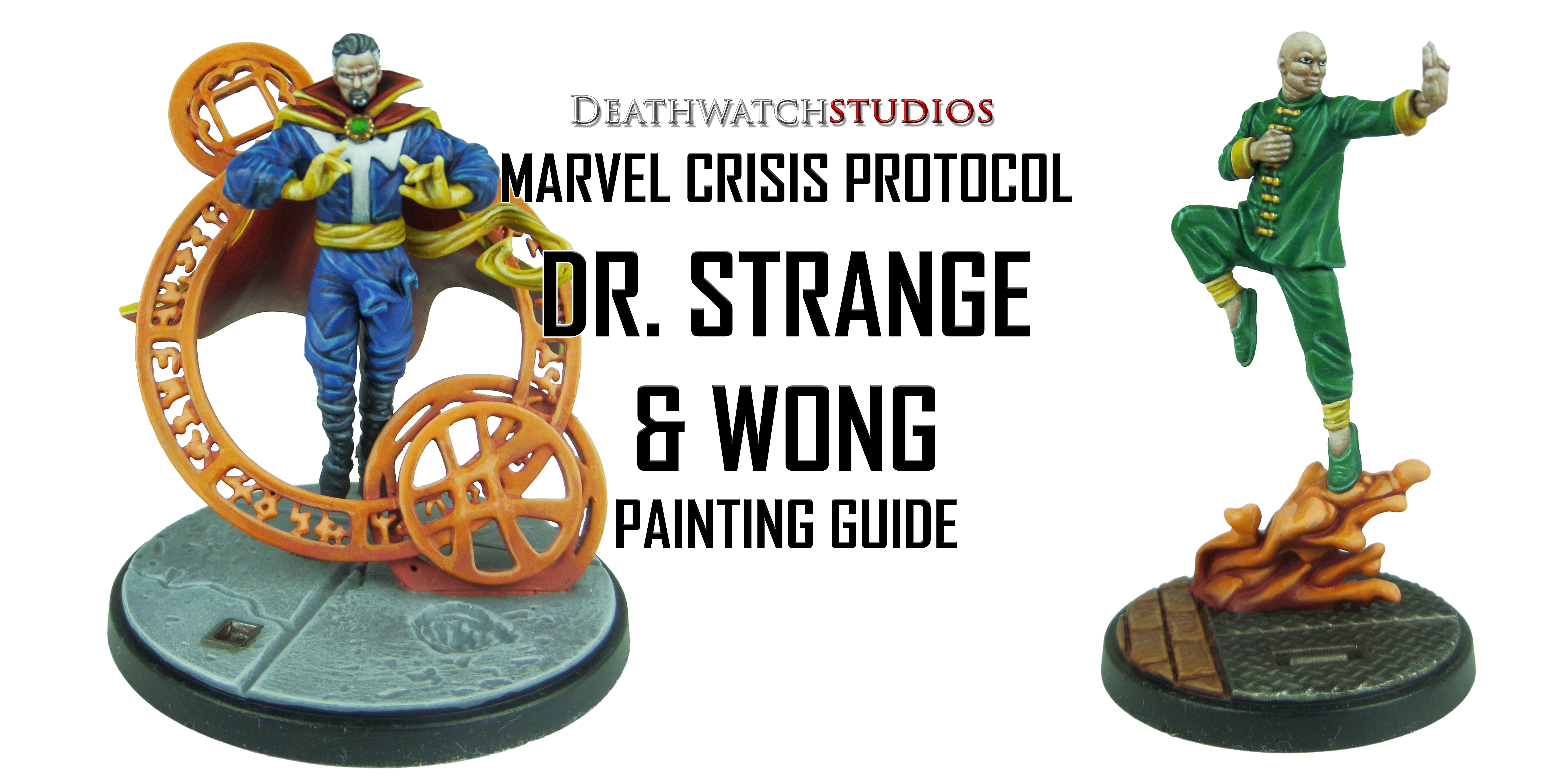
MCP – Dr. Strange & Wong Painting Guide

Welcome to my latest painting guide!

I need your support. Because my guides takes time and supplies to do, any support you can offer would mean the world to me. A supportive message in the comments is enough, but if you have the means why not send me a gift on Ko-Fi or PayPal. Thank you!

Prep: Fully build both models and undercoat black.

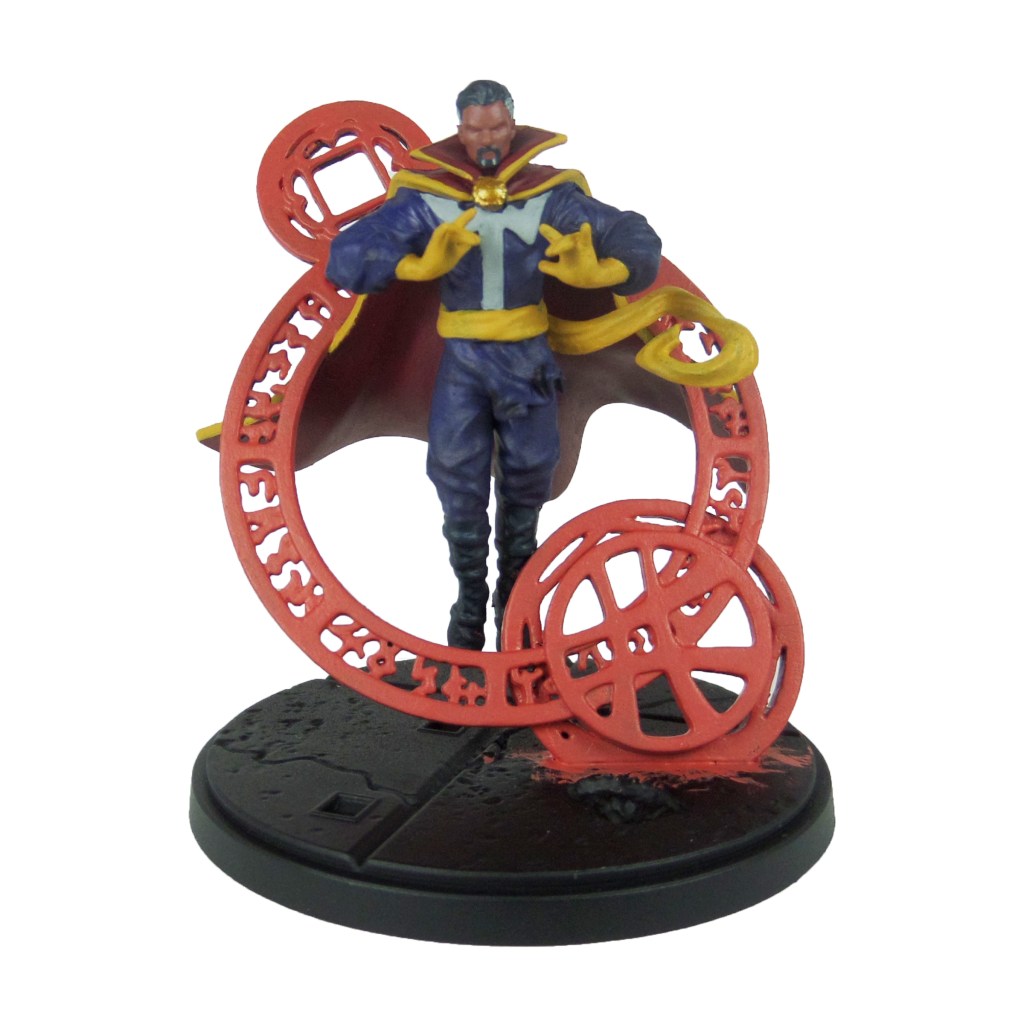
Dr. Strange

Stage 1

Bugman’s Glow: Apply a basecoat to the skin.

Khorne Red: Apply a basecoat to the cloak and collar.

Kantor Blue: Apply a basecoat to the clothes.

Celestra Grey: Apply a basecoat to the chest design as well as the small sections in the hair and beard.

Averland Sunset: Apply a basecoat to the gloves, sash and cape lining.

Retributor Armour: Apply a basecoat to the clasp.

Incubi Darkness: Apply a basecoat to the boots, hair and goatee.

Squig Orange: Apply a basecoat to the spell.

Stage 2

Cadian Fleshtone: Apply a layer to the skin.

Mephiston Red: Apply a layer to the cloak.

Caledor Sky: Apply a layer to the clothes.

Ulthuan Grey: Apply a layer to the chest design and greying hair.

Druchii Violet: Apply a shade to the clasp.

Reikland Flshshade: Apply a shade to the gloves, sash and cape lining.

Thunderhawk Blue: Apply a layer to the boots, hair and goatee.

Trollslayer Orange: Apply a layer to the spells. Build this up over several thin layers.

Stage 3

Basic Skintone 70.815(Vallejo): Apply a highlight to the skin.

Evil Sunz Scarlet: Apply a highlight to the cloak.

Teclis Blue: Apply a line highlight to the clothes.

White Scar: Apply a layer to the chest design and a spot highlight to the hair.

Yriel Yellow: Apply a layer to the gloves, sash and cape lining.

Warpstone Green: Apply a layer to the gem in the clasp.

Russ Grey: Apply a line highlight to the boots.

Fire Dragon Bright: Apply a layer to the spells. As before build this up over several light layers. I focussed this towards the middle and outside of the circles.

Dawnstone: Apply a line highlight to the hair and beard.

Stage 4

Light Flesh 70.928 (Vallejo): Apply a spot highlight to the skin.

Wild Rider Red: Apply a line highlight to the cape.

Baharroth Blue: Apply a spot highlight to the clothes.

Dorn Yellow: Apply a spot highlight to the gloves, sash and cape lining.

Moot Green: Apply a spot highlight to the gem.

Fenrisian Grey: Apply a spot highlight to the boots.

Lugganath Orange: Apply an edge highlight to the spells.

Auric Armour Gold: Apply a spot highlight to the clasp.

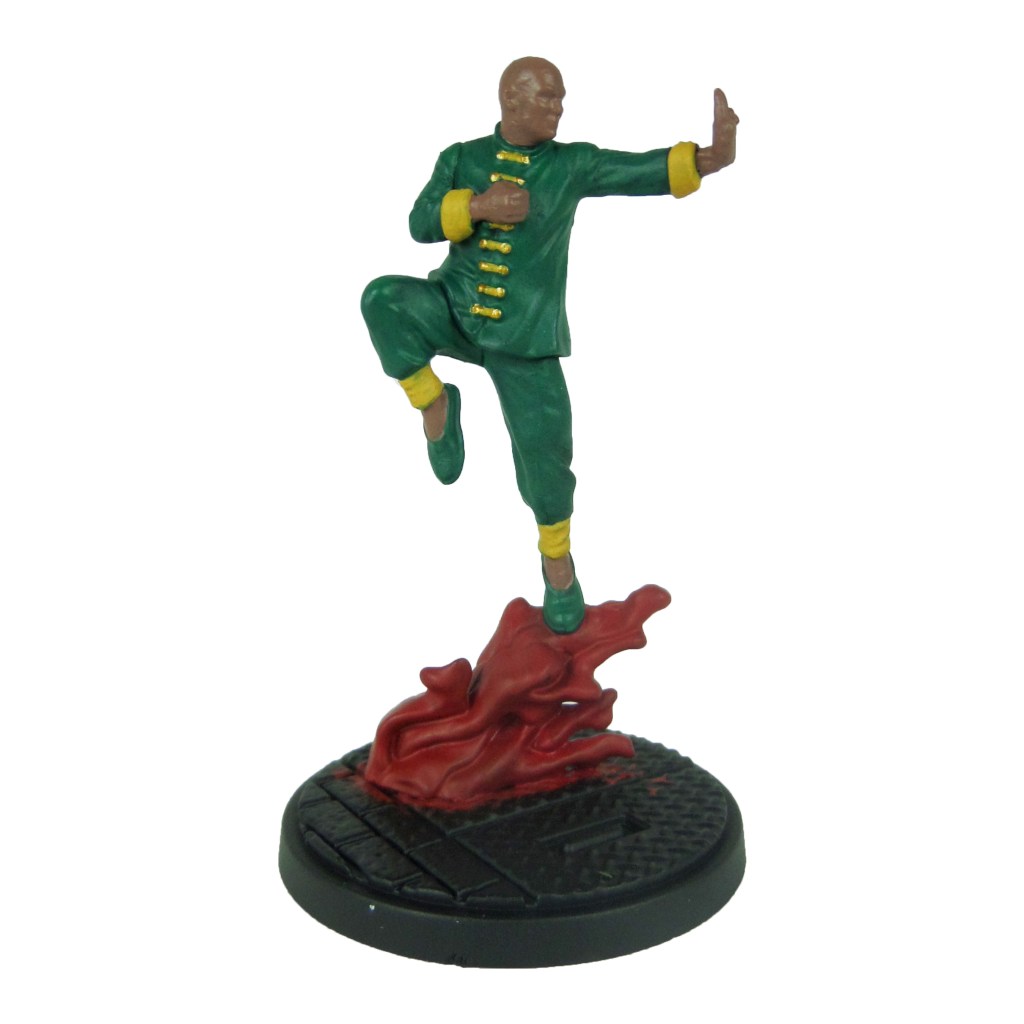
Wong

Stage 1

Kabalite Green: Apply a basecoat to the clothes and shoes.

Averland Sunset: Apply a basecoat to the banding at the wrists and ankles as well as the strings down the chest.

Knight-Questor Flesh: Apply a basecoat to the skin.

Mephiston Red: Apply a basecoat to the spell.

Retributor Armour: Apply a basecoat to the buttons.

Stage 2

Warpstone Glow: Apply a layer to the clothes and shoes.

Reikland Fleshshade: Apply a shade to the banding and string.

Cadian Fleshtone: Apply a layer to the skin.

Trollslayer Orange: Apply a layer to the spell.

Stage 3

Sybarite Green: Apply a line highlight to the clothes.

Yriel Yellow: Apply a layer to the banding and strings.

Basic Skintone 70.815(Vallejo): Apply a highlight to the skin.

Fire Dragon Bright: Apply a highlight to the spell.

Auric Armour Gold: Apply a layer to the buttons.

Stage 4

Guass Blaster Green: Apply a spot highlight to the clothes and shoes.

Dorn Yellow: Apply a line highlight to the banding and strings.

Light Flesh 70.928 (Vallejo): Apply a spot highlight to the skin.

Lugganath Orange: Apply a spot highlight to the spells.

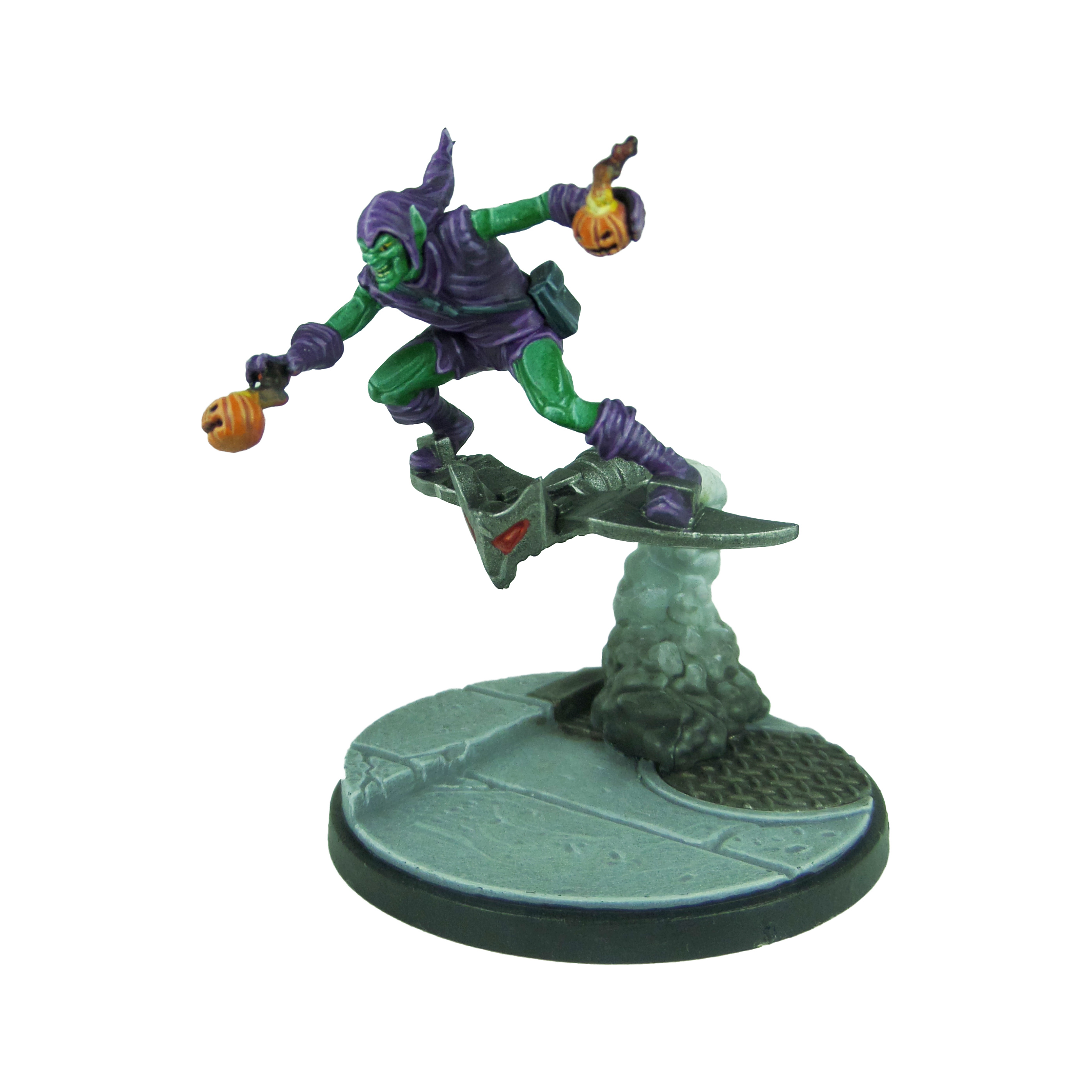
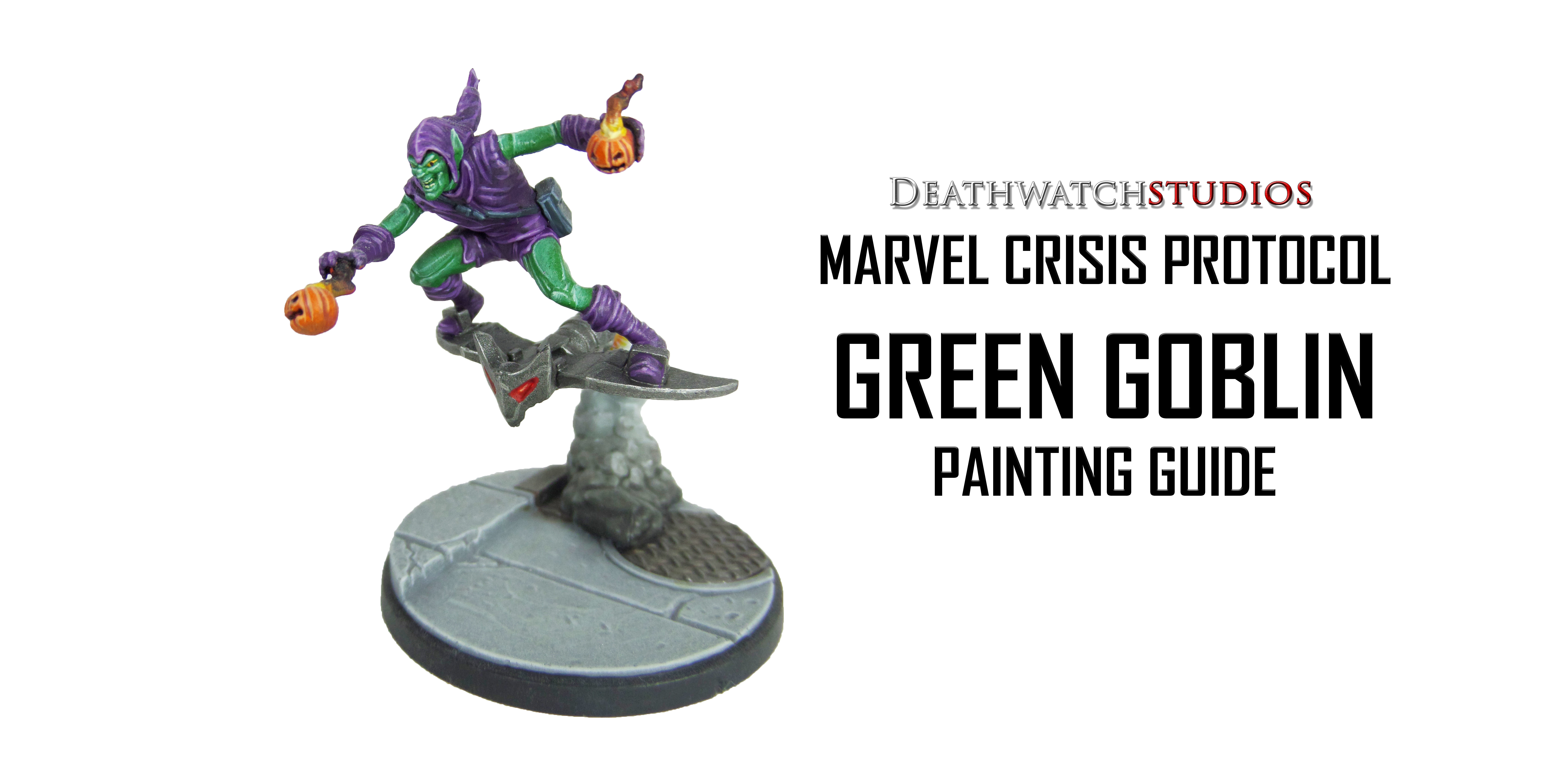
MCP – Green Goblin Painting Guide

Welcome to my latest painting guide!

I need your support. Because my guides takes time and supplies to do, any support you can offer would mean the world to me. A supportive message in the comments is enough, but if you have the means why not send me a gift on Ko-Fi or PayPal. Thank you!

Prep: Fully build the model and undercoat black.

Stage 1

Xereus purple: Apply a basecoat to the clothing.

Warpstone Glow: Apply a basecoat to the skin.

Squig Orange: Apply a basecoat to the pumpkins and smoke.

Leadbelcher: Apply a basecoat to the glider.

Celestra Grey: Apply a basecoat to the smoke trail.

Mephiston Red: Apply a basecoat into the eyes of the glider.

Averland Sunset: Apply a basecoat to the eyes.

Incubi Darkness: Apply a basecoat to the pouch and strap.

Stage 2

Genestealer Purple: Apply a layer to the clothing.

Sybarite Green: Apply a layer to the skin.

Agrax Earthshade: Apply a shade to the pumpkins and smoke.

Ironbreaker: Apply an edge highlight to the glider.

Administratum Grey: Make a mix with 4 parts water and apply a glaze over the bottom half of the smoke.

Nuln Oil: Once the previous stage is dry, apply a glaze to the last quarter of the smoke.

Cassandora Yellow: Apply a shade to the smoke at the exhaust.

Thunderhawk Blue: Apply a layer to the pouch and strap.

Evil Sunz Scarlet: Apply a layer to the eyes of the glider.

Stage 3

Kakophoni Purple: Apply a line highlight to the clothes.

Gauss Blaster Green: Apply a line highlight to the skin.

Troll Slayer Orange: Apply a layer to the pumpkins.

Yriel Yellow: Apply a layer around the bottom of the pumpkin smoke.

White Scar: Apply a very light highlight to the smoke trail.

Russ Grey: Apply a line highlight to the pouch and strap.

Wild Rider Red: Apply a spot highlight to the eyes of the glider.

Flayed One Flesh: Apply a layer to the teeth.

Stage 4

Druchii Violet: Apply a spot highlight to the clothes.

Gauss Blaster Green/White Scar: Make a 1/1 mix and apply a spot highlight to the skin.

Fire Dragon Bright: Apply a line highlight to the pumpkins.

Dorn Yellow: Apply a fine line to the join point of the smoke and pumpkins, as well as the exhaust and smoke trail.

Fenrisian Grey: Apply a spot highlight to the pouch and strap.

Abaddon Black: Make a mix with 2 parts water and apply to the top of the pumpkin smoke and the very end of the smoke trail.

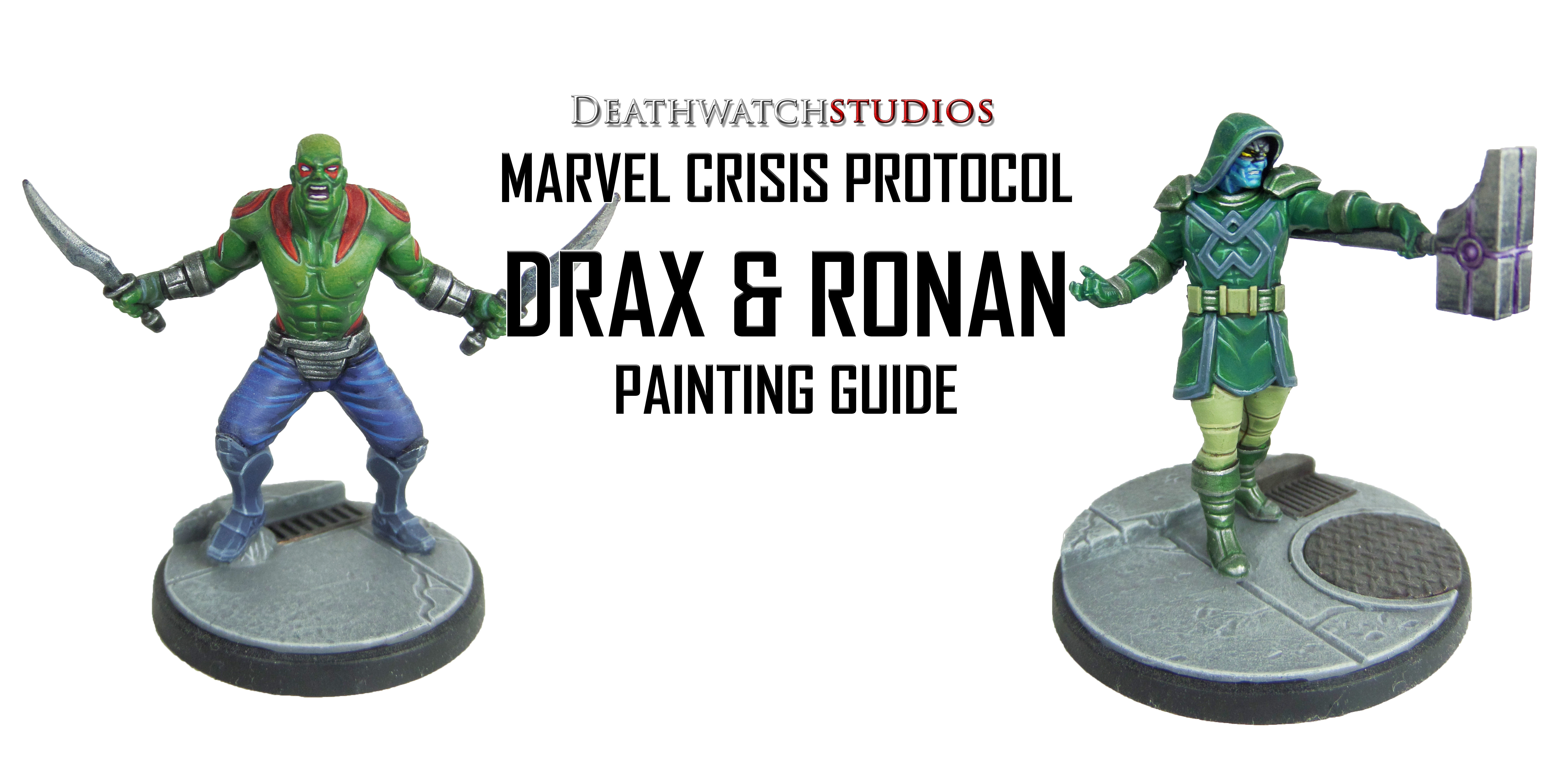
MCP – Drax & Ronin Painting Guide

Welcome to my latest painting guide!

I need your support. Because my guides takes time and supplies to do, any support you can offer would mean the world to me. A supportive message in the comments is enough, but if you have the means why not send me a gift on Ko-Fi or PayPal. Thank you!

Prep: Fully build both models and undercoat black.

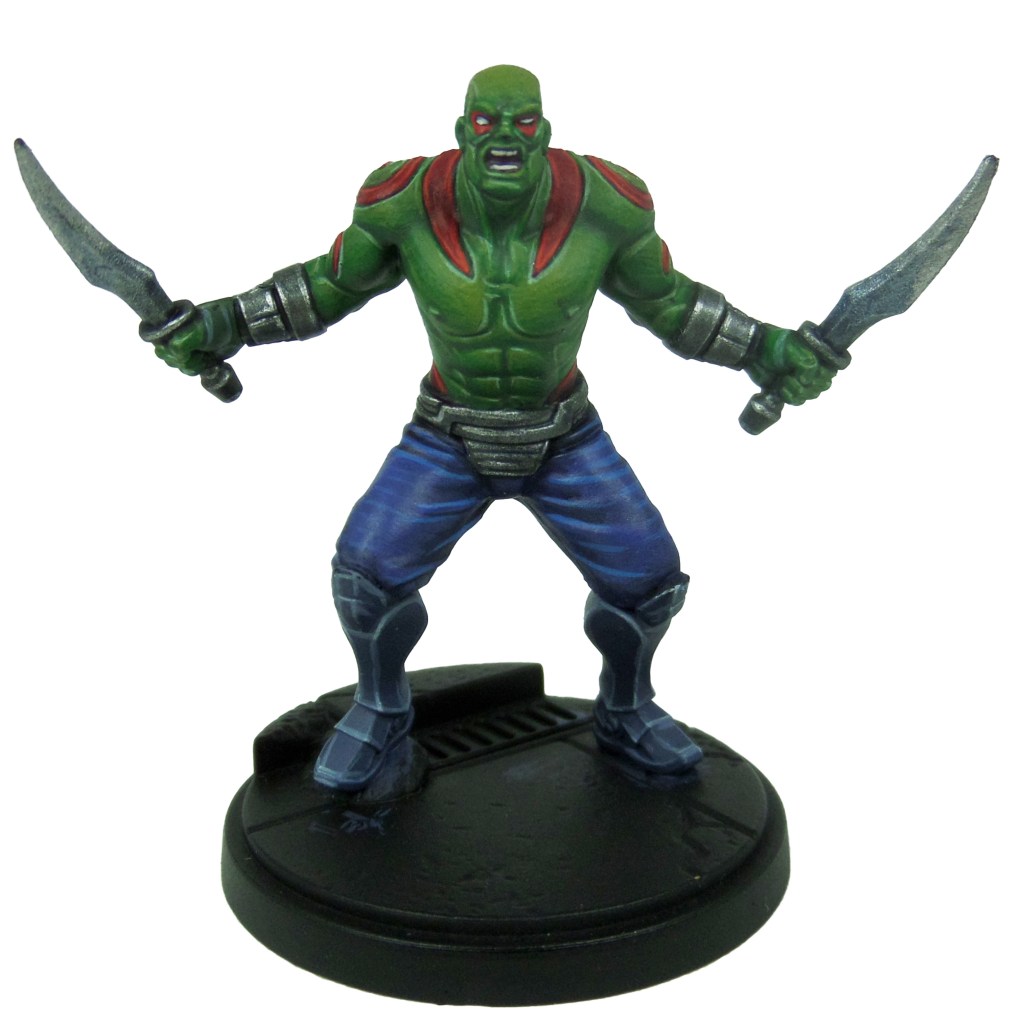
Drax

Stage 1

Waaagh! Flesh: Apply a basecaot to the skin.

Khorne Red: Apply a basecoat to the tattoos.

Leadbelcher: Apply a basecoat to the belt, bracelets and knives.

Thunderhawk Blue: Apply a basecoat to the boots.

Altdorf Guard Blue: Apply a basecoat to the trousers.

Stage 2

Warpstone Glow: Apply a layer to the skin.

Mephiston Red: Apply a layer to the tattoos.

Drakenhof Nightshade: Apply a shade to the metals.

Russ Grey: Apply a line highlight to the boots.

Aliatoc Blue: Apply a layer to the trousers.

Stage 3

Moot Green: Apply a highlight ot the skin.

Evil Sunz Scarlet: Apply a line highlight ot the tattoos.

Ironbreaker: Apply a layer to the metals.

Fenrisian Grey: Apply a spot highlight to the boots.

Teclis Blue: Apply a line highlight to the trousers.

Stage 4

Gauss Blaster Green: Apply a line highlight ot the skin.

Wild Rider Red: Apply a spot highlight ot the tattoos.

Stormhost Silver: Apply an edge highlight to the metals.

Blue Horror: Apply a spot highlight ot the boots.

White Scar: Apply a layer to the eyes.

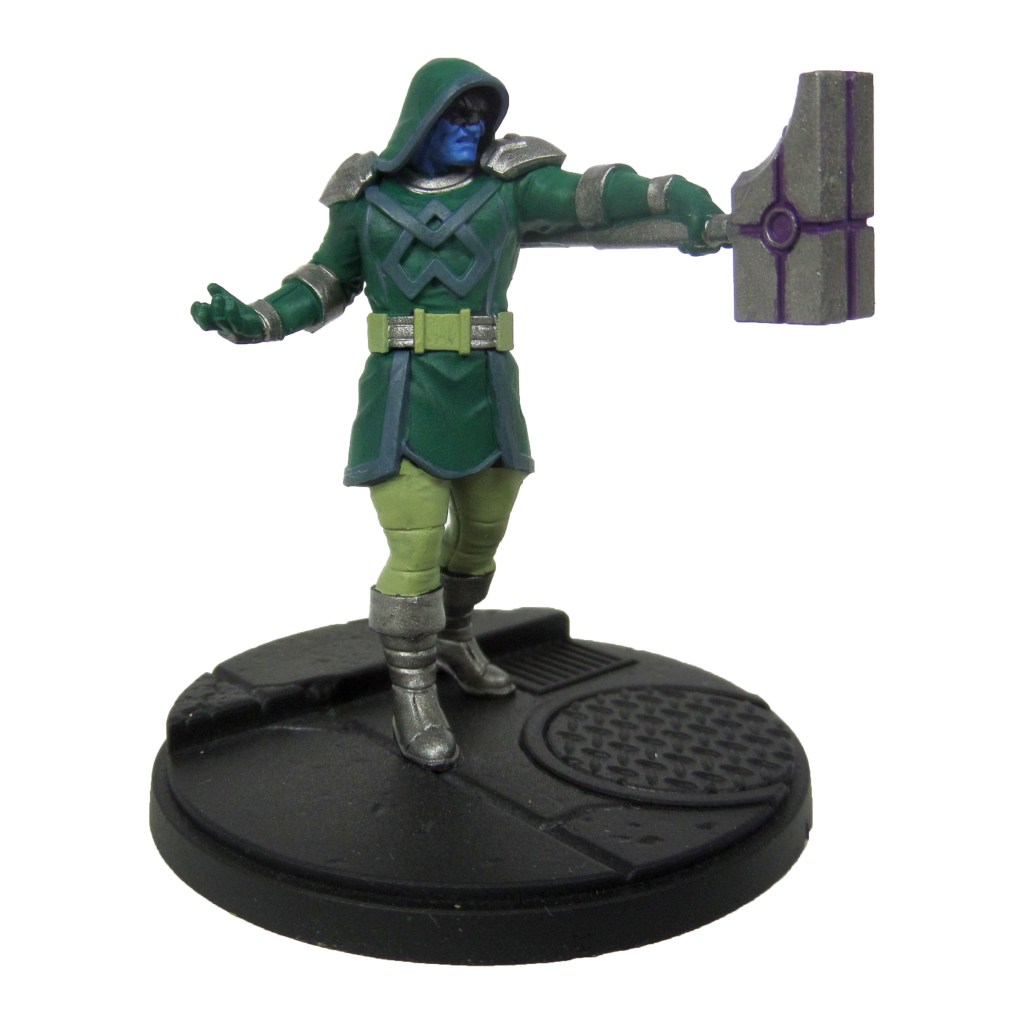
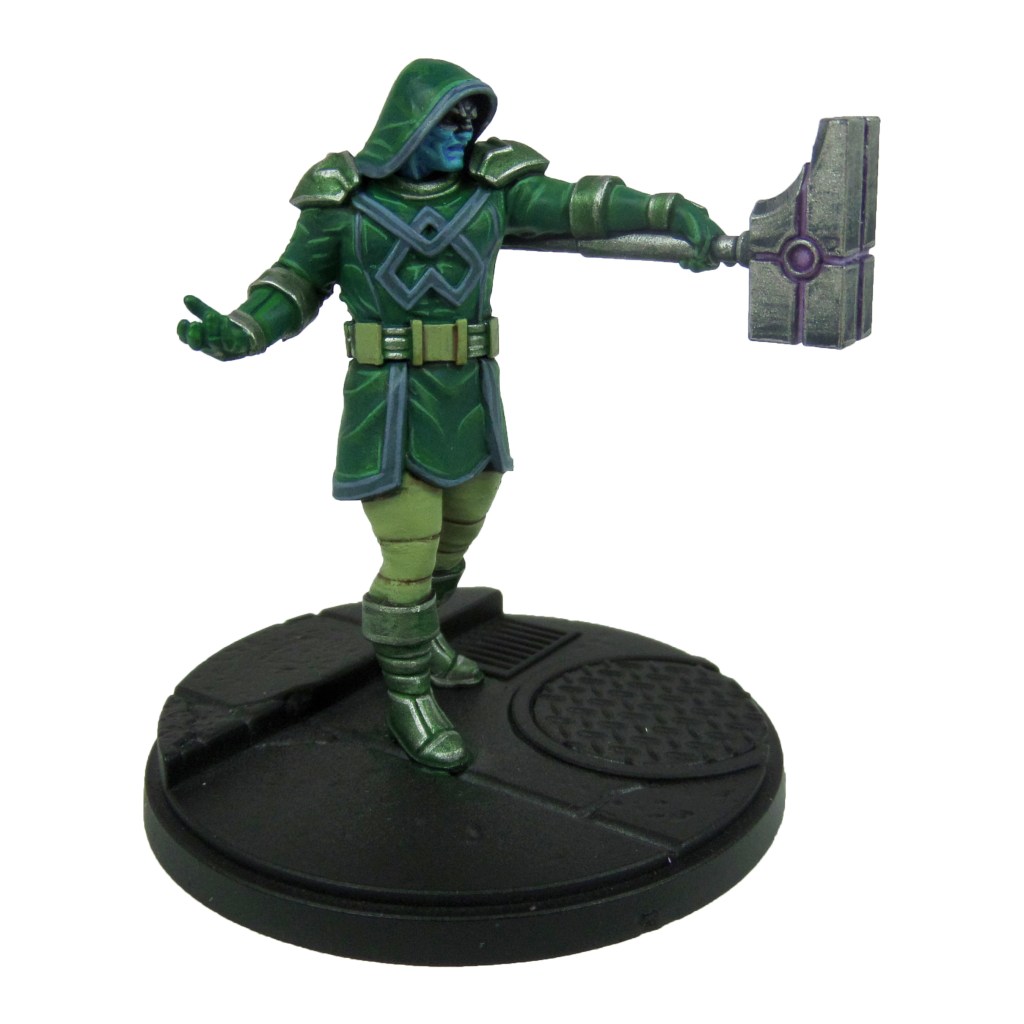
Ronin

Stage 1

Kabalite Green: Apply a layer to the tunic, hood and gloves.

Nurgling Green: Apply a basecoat to the belt and trousers.

Leadbelcher: Apply a basecoat tot he hammer, shoulders, wrists, boots and belt.

Thunderhawk Blue: Apply a basecoat to the lining and chest symbol.

Teclis Blue: Apply a basecoat to the skin.

Pheonician Purple: Apply a basecoat into the gaps on the hammer head.

Skavenblight Dinge: Apply a basecoat to the top half of the face.

Stage 2

Warpstone Glow: Apply a layer to the tunic, gloves and hood.

Agrax Earthshade: Apply a shade to the trousers and belt.

Drakenhof Nightshade: Apply a shade to the hammer.

Biel-tan Green: Apply a shade to the metal on the boots, belt, wrists and shoulders.

Russ Grey: Apply a line highlight to the lining and chest symbol.

Temple Guard Blue: Apply a layer to the skin.

Dawnstone: Apply a line highlight ot the top half of the face,

Stage 3

Sybarite Green: Apply a line highlight to the tunic, gloves and hood.

Nurgling Green: Apply a layer over the trousers and belt.

Ironbreaker: Apply a layer to the hammer, boots, wrists, belt and shoulders.

Fenrisian Grey: Apply an edge highlight to the lining and chest symbol.

Baharroth Blue: Apply a spot highlight to the face,

Celestra Grey: Apply a spot highlight ot the top half of the face.

Genestealer Purple: Add a layer into the gaps on the hammer head.

Stage 4

Gauss Blaster Green: Apply a spot highlight ot the tunic, hood and gloves.

Krieg Khaki: Apply a line highlight ot the trousers and belt.

Stormhost Silver: Apply a spot highlight to the metals,

Blue Horror: Apply a spot highlight to the lining and chest symbol.

Dechala L:ilac: Apply a spot highlight to the gaps in the hammer head.

MCP – Base Painting Guide

Welcome to my latest painting guide!

I need your support. Because my guides takes time and supplies to do, any support you can offer would mean the world to me. A supportive message in the comments is enough, but if you have the means why not send me a gift on Ko-Fi or PayPal. Thank you!

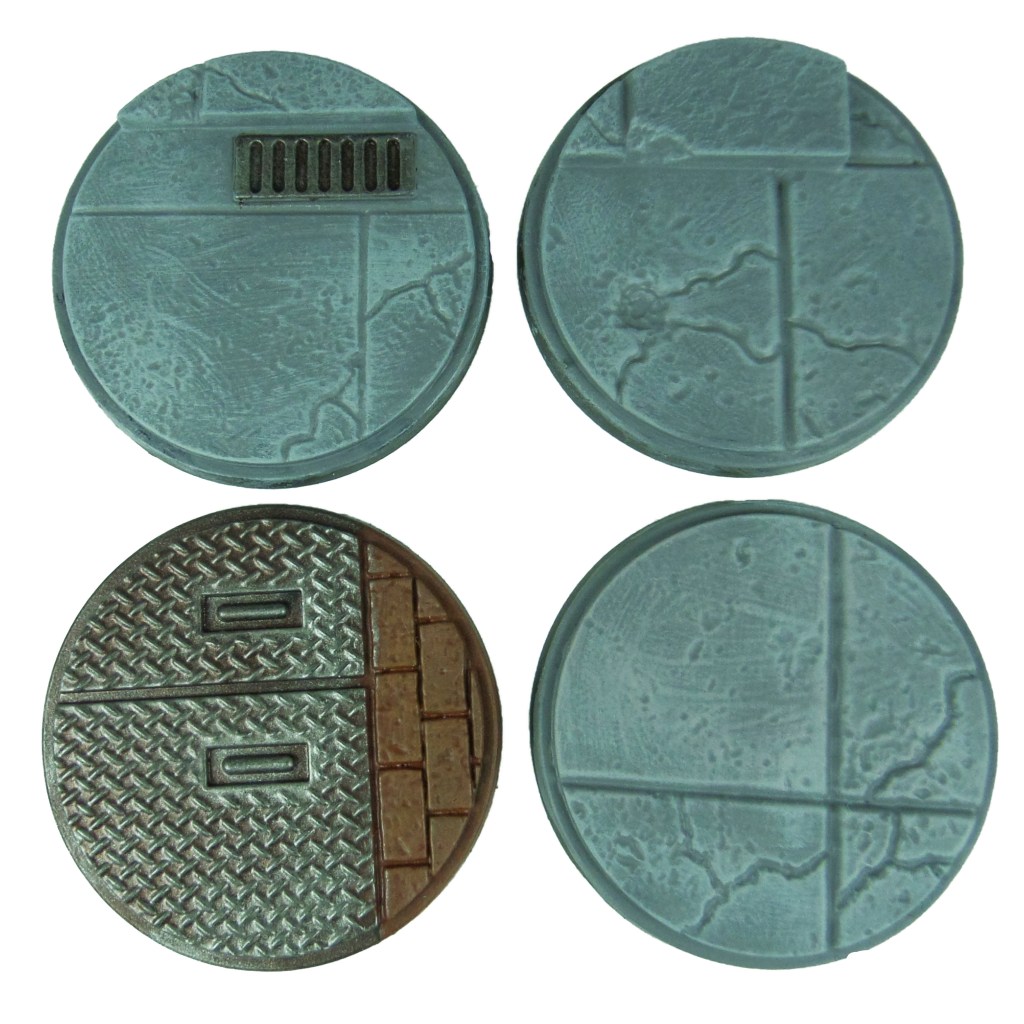
All bases were started with a black undercoat.

Stage 1

Dawnstone: Apply a basecoat to the concrete.

Warplock Bronze: Apply a basecoat to the metals.

Doombull Brown: Apply a basecoat to theh brick.

Stage 2

Celestra Grey: Apply a fairly heavy drybrush across the concrete.

Leadbelcher: Apply a drybrush over the metals.

Skrag Brown: Apply a layer to the bricks.

Stage 3

Ulthuan Grey: Apply an edge highlight to the concrete.

Nuln Oil: Apply a shade over the metals.

Deathclaw Brown: Apply a line highlight to the bricks.

Abaddon Black: Apply a layer over the edges of the base.

MCP – Painting Guide Update

It’s been a while since I’ve posted but I’ve finally gotten off my posterior and put together some content. I think we can all agree it’s been a weird year and I’ve been lucky enough to be able to catch up on some painting.

I’m still working away on MCP figures and guides during our strange year, as well as articles for Tabletop Gaming Magazine.

My latest painting guides for the Black Order are up and you can find them below…

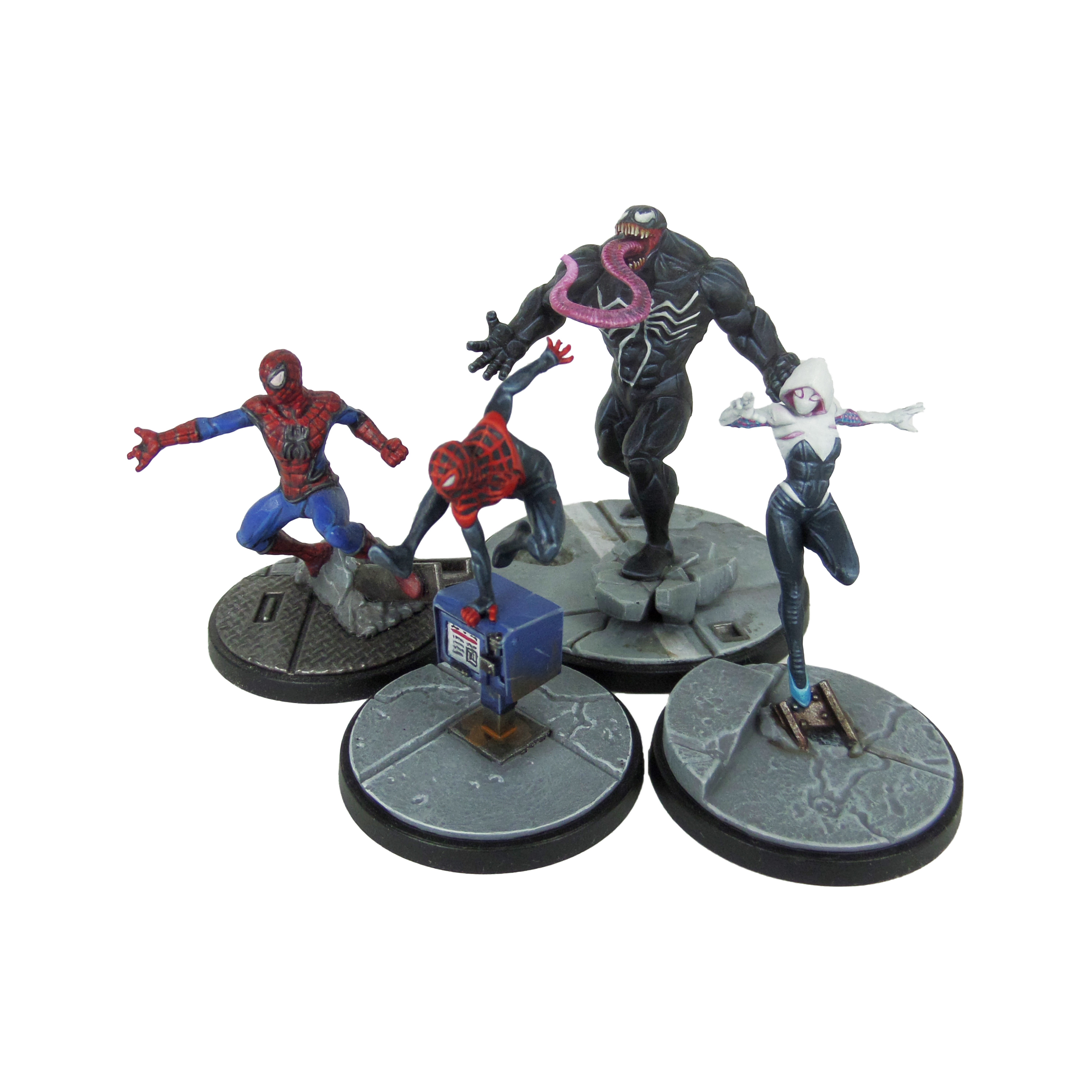
I’m working my way through the rest of my collection, up to the X-Men at the moment, and I’ll have guides up for a lot of those soon! Take a look at some of the ones I’ve finished…

Why not also take a look at the latest batch of MCP minies I painted up for a guide in this month’s TTG. It’s a few I’ve already done, but it was interesting to have another crack at them. Next time I’d love to try out some alt colour schemes.