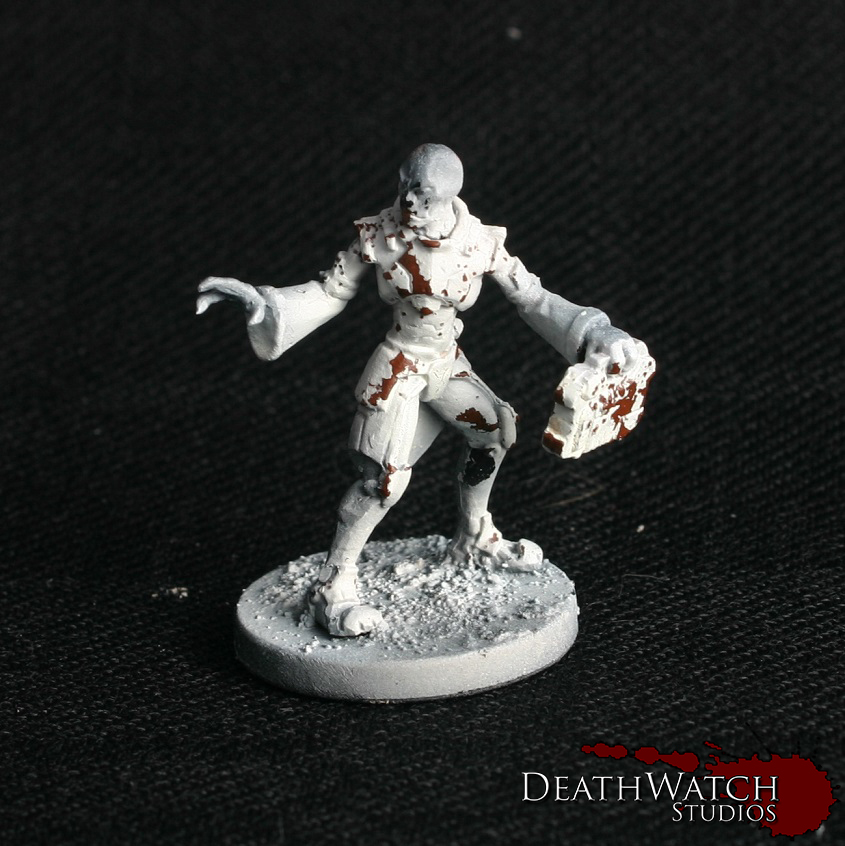
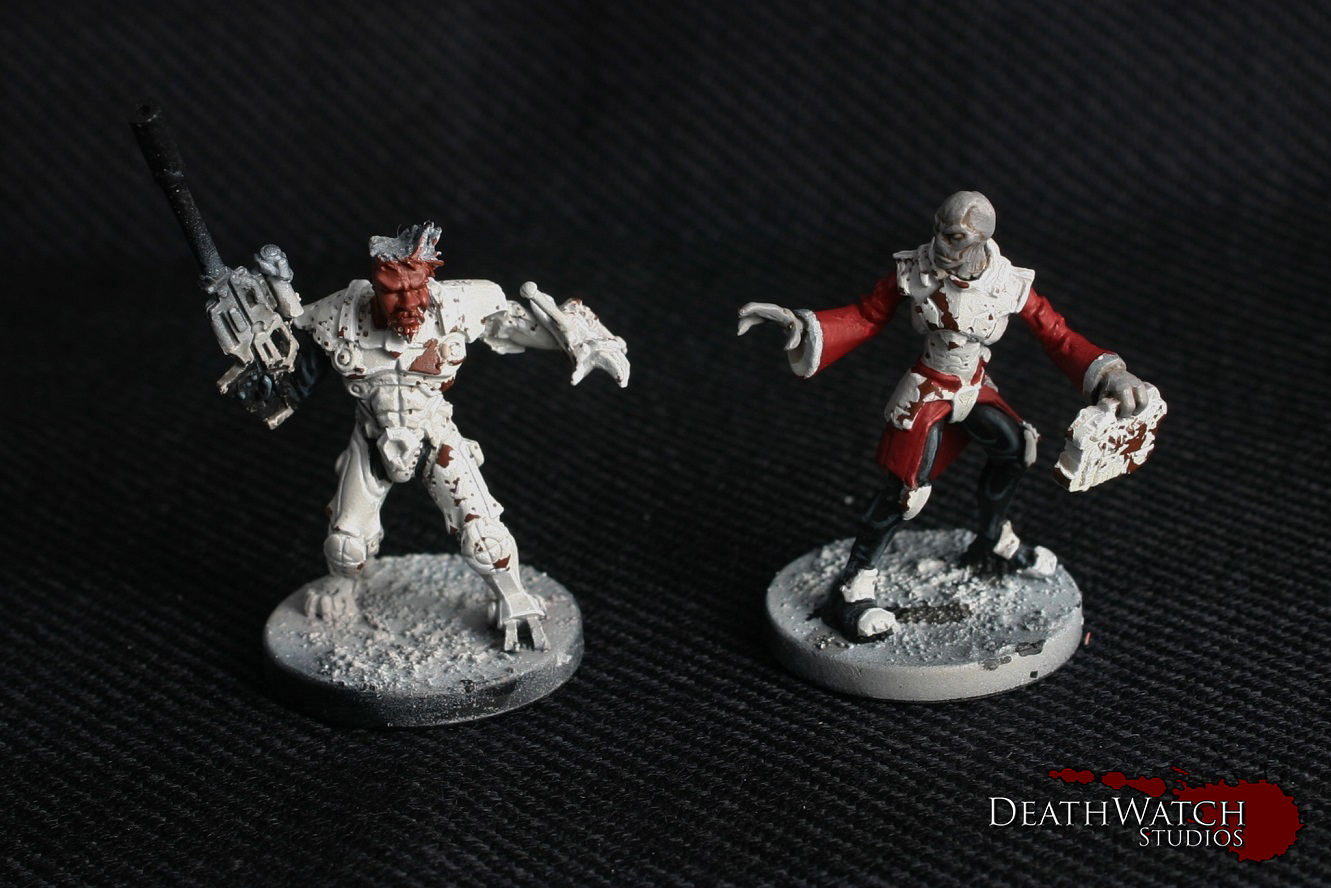
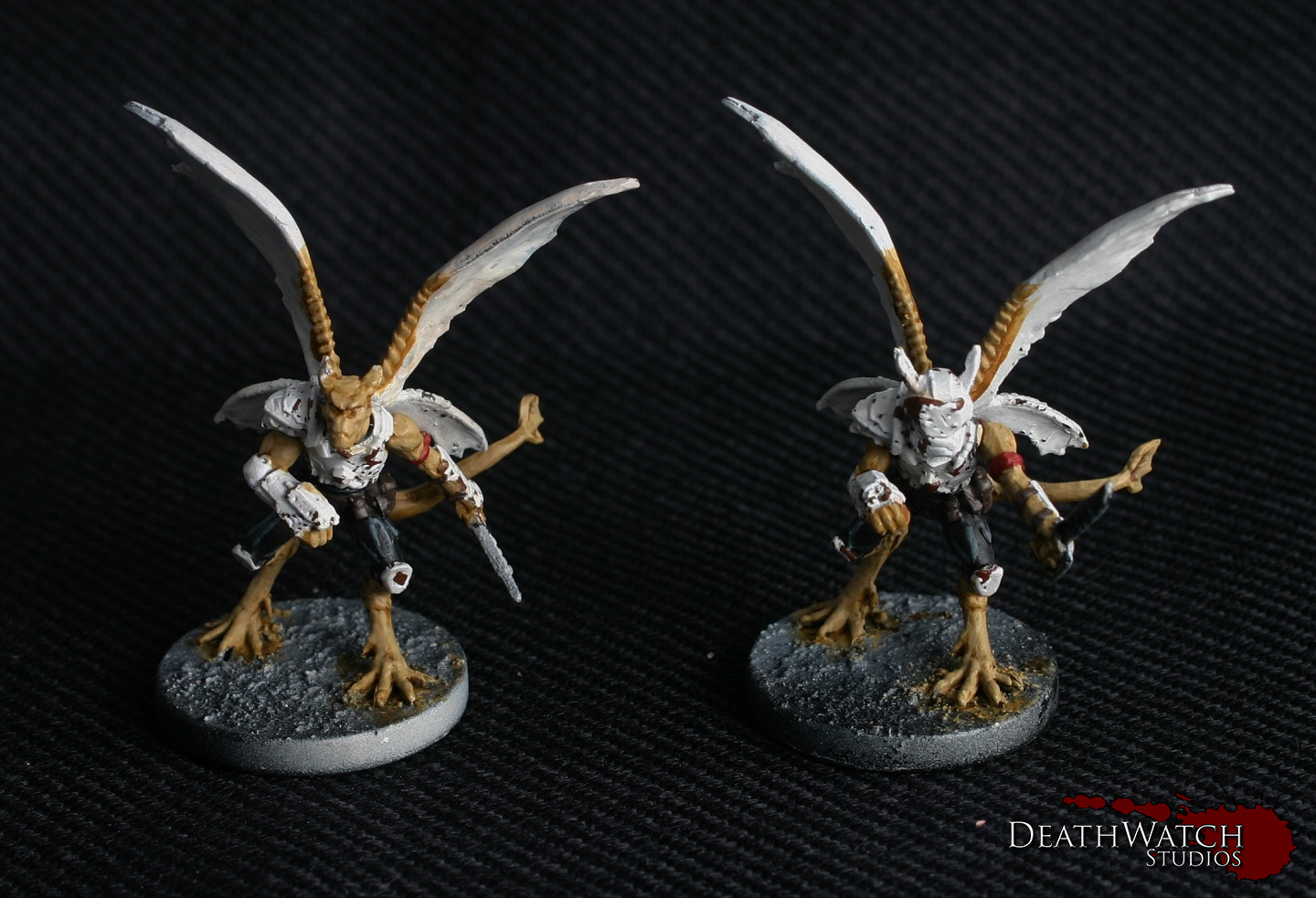
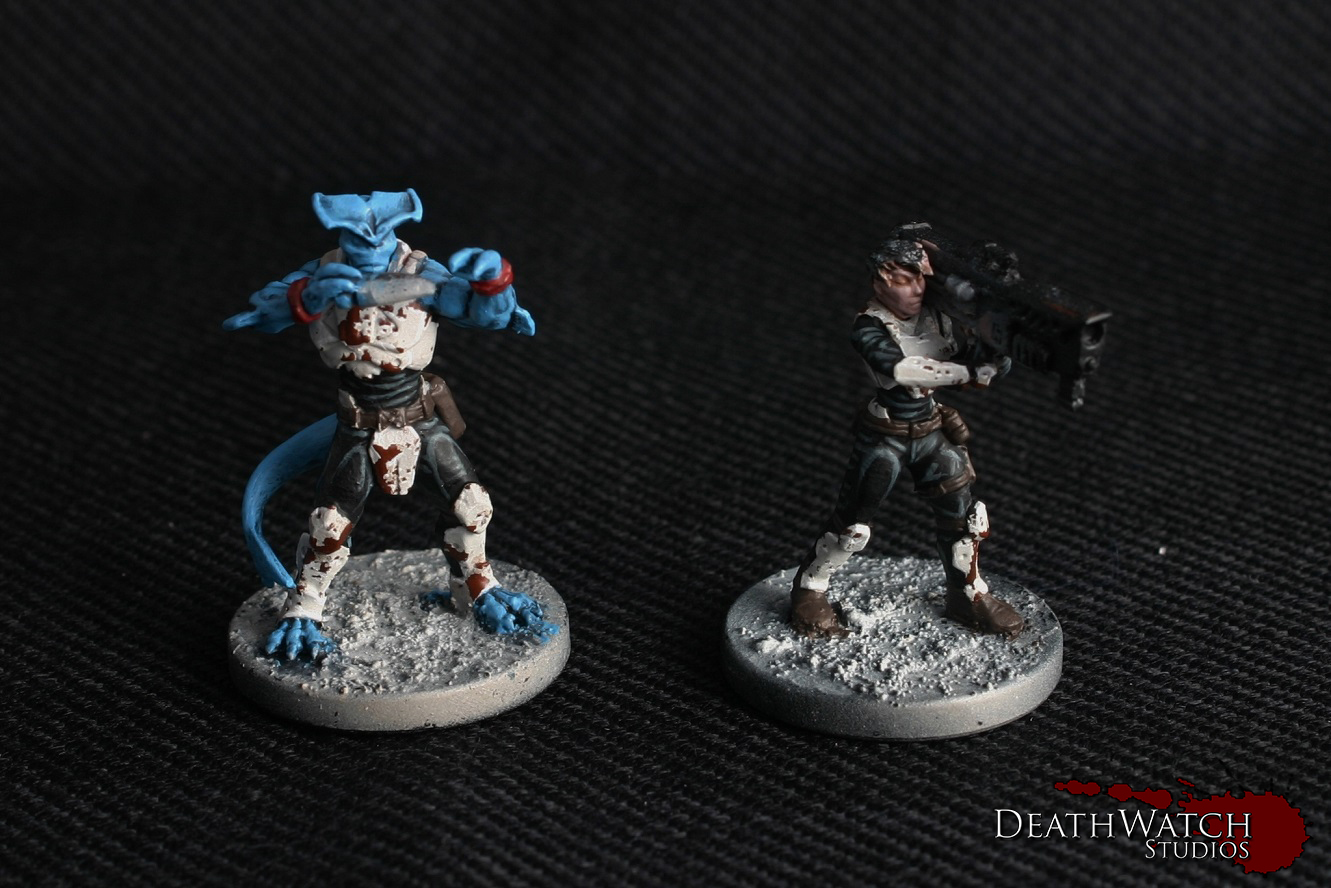
Deadzone – Rebs Kraaw, Medic and Commander Started!

I’m now onto the last of the reinforcements for my Rebs force….

Alt-Commander-3 Alt-Commander-4 Kraaw-2 Judwan-2

As with the rest of the force I started off with the armour, then the black cloth and put down some basecoats…

Alt-Commander-&-Medic Kraaw-3

Here’s what I did to start them off…

Black Human Flesh: Basecoat of Doombull Brown followed by a light wash of Agrax Earthshade

Judwan Flesh: 2:1 mix of Mechanicus Standard Grey and Rakkarth Flesh followed by a light wash of Seraphim Sepia

Kraaw Flesh: Basecoat of Zamesi Desert followed by a wash of Seraphim Sepia

Deadzone -TK Zero Weapons Team Finished!

These guys have been a pleasure to paint and I really am in love with the models. Even more excited to get a whole team of Sphyr for DBX now 😀

TK-4 TK-5So with me having gone over the colours used for the majority of the models in my previous posts (Here, here and here), I’m just going to give a rundown of the other areas:

Sphyr Flesh: Basecoat all over of Lothern Blue followed by a wash of Drakenhof Nightshade

Add a coat of Lothern Blue but leave the recesses the basecoat colour

Highlight of 2:1 Lothern Blue and Menoth White Highlight

Highlight 1:1 Lothern Blue and Menoth White Highlight

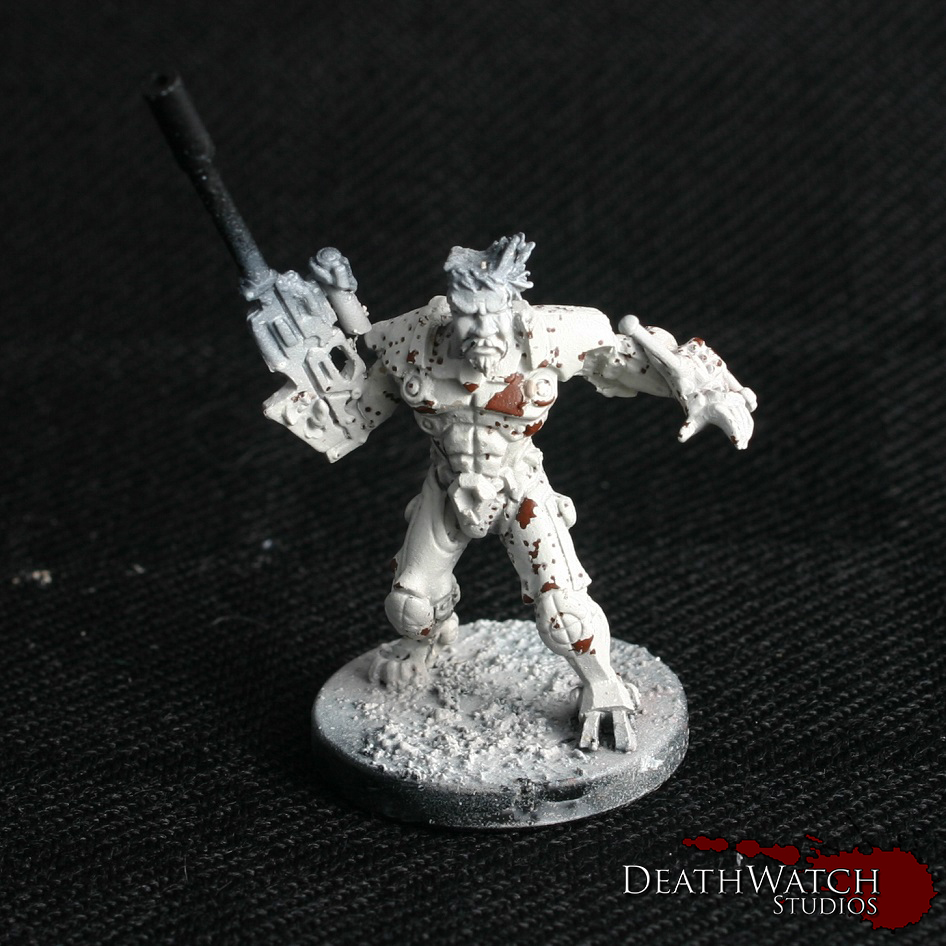
Human Flesh: Basecoat of 2:1 mix of Rakkarth Flesh and Pink Horror followed by a light Agrax Earthshade wash

Add a coat of 1:1:1 Rakkarth Flesh, Pink horror and Menoth White Highlight but leave the recesses the basecoat colour

Add a small amount of Menoth White Highlight to this mix and add a Highlight

The only other thing added was the Hazard markings on the gun, these were done in the same style as the Dreadball bases I’ve done previously.

Deadzone -TK Zero Weapons Team Started!

I’ve been looking forward to painting these as I love the look of the Sphyr (can’t wait to get a team in DBX :D) and thought I could do something funky with the massive gun 🙂

TK-2

I started them off the same as the Zees and the Terrain by getting the armour ready

I then Painting the black cloth sections as I did with the Zees and got some basecoats down:

Sphyr Flesh: Basecoat all over of Lothern Blue followed by a wash of Drakenhof Nightshade

Human Flesh: Basecoat of 2:1 mix of Rakkarth Flesh and Pink Horror followed by a light Agrax Earthshade wash

TK-3I also added the other basecoats that go on all of the Rebs, the ryad Bark for the leather and Khorne Red for the reds.

I have also added a section of Khorne Red on the front of the gun that’s not in the image. I want to have at least a small part of red on each of the models to help tie them all together, beyond just the armour colour. The plan is to make the gun look a bit fancier than the rst of the tech the Rebs have 🙂

Deadzone – Rebs Zees Finished!

Another couple of additions to m Rebs force. Think these guys would come in handy in a campaign…

Zees-4

To Finish them off I needed to paint the flesh, leather and red bits, and here’s how I did those:

Flesh: The flesh was finished by adding a small amount of Rakkarth Flesh to Mechanicus standard Grey, and layering it on as it gets progressively lighter but using smaller amounts each time, focused on the edges.

Eyes: I started these off with a coat of Genestealer Purple

3:1 Genestealer Purple and Menoth White Highlight was added and painted on but leaving the edges of the eye the original colour

1:1 Genestealer Purple and Menoth White Highlight is added and painted only in the centre of the eyes

Leather: Over the Dryad Bark base I added two highlights

The first is 2:1 Dryad bark and Ushabti Bone

The second 1:1 Dryad bark and Ushabti Bone

Reds: Over the Khorne Red base:

Layer of Mephiston Red leaving the recesses the original colour

Highlight of Evil Sun Scarlet

Highlight of 1:1 Evil Sun Scarlet and Tau Light Ochre

and finally a wash of Bloodletter

Zees-5

The only other thing I had to paint was the base and here are the stages I went through:

A basecoat of Mechanicus Standard Grey over the whole thing

Drybrush of Codex Grey

Drybrush of Fortress Grey

Light Drybrush of Terminatus Stone

Wash of 5:1 water and Dryad Bark

And thats the basics of how I’ve painted my Rebs. The only bits that tend to differ are the flesh as they’re otherwise quite uniformed. But I’m planning on covering some other species once I get them done 🙂

Deadzone – Reb Zees Started!

I’ll be painting this second lot of Rebs up in batches like the last lot, and I thought I’d start out with the Zee’s, most the stages apply to all of the Reb models I’ve done in the past, bar any flesh…

Zees-2The armour is where I start on these guys, as it’s done the same way as the scenery was painted. As this can be a messy method best to get it in first so I don’t ruin what will follow 🙂

Zees-3Next up was the cloth, which I painted with the following from a black base:

Highlight of Mechanicus Standard Grey with a touch of Hawk Turquoise

Highlight of Codex Grey with a touch of Hawk Turquoise

Fine Highlight of Fortress Grey with a touch of Hawk Turquoise

Was of Nuln oil mixed with a bit of Lahmian Medium

Folling this I only applied the first few coats to some of the other areas

Flesh was a 2:1 mix of Mechanicus Standard Grey and Rakarth Flesh, followed by a light wash of Seraphim Sepia

Leather was a coat of Dryad Bark

On the red I laid down a basecoat of Khorne red

And finally the pistols were given a coat of Leadbelcher followed by a light Agrax Earthshade wash

And thats how they got to their current stage. Next up I’ll need to finalise the areas I’ve got a base down and then the bases, shouldn’t take too long on these little fellas 😀

Deadzone – Signs & Posters!

Title

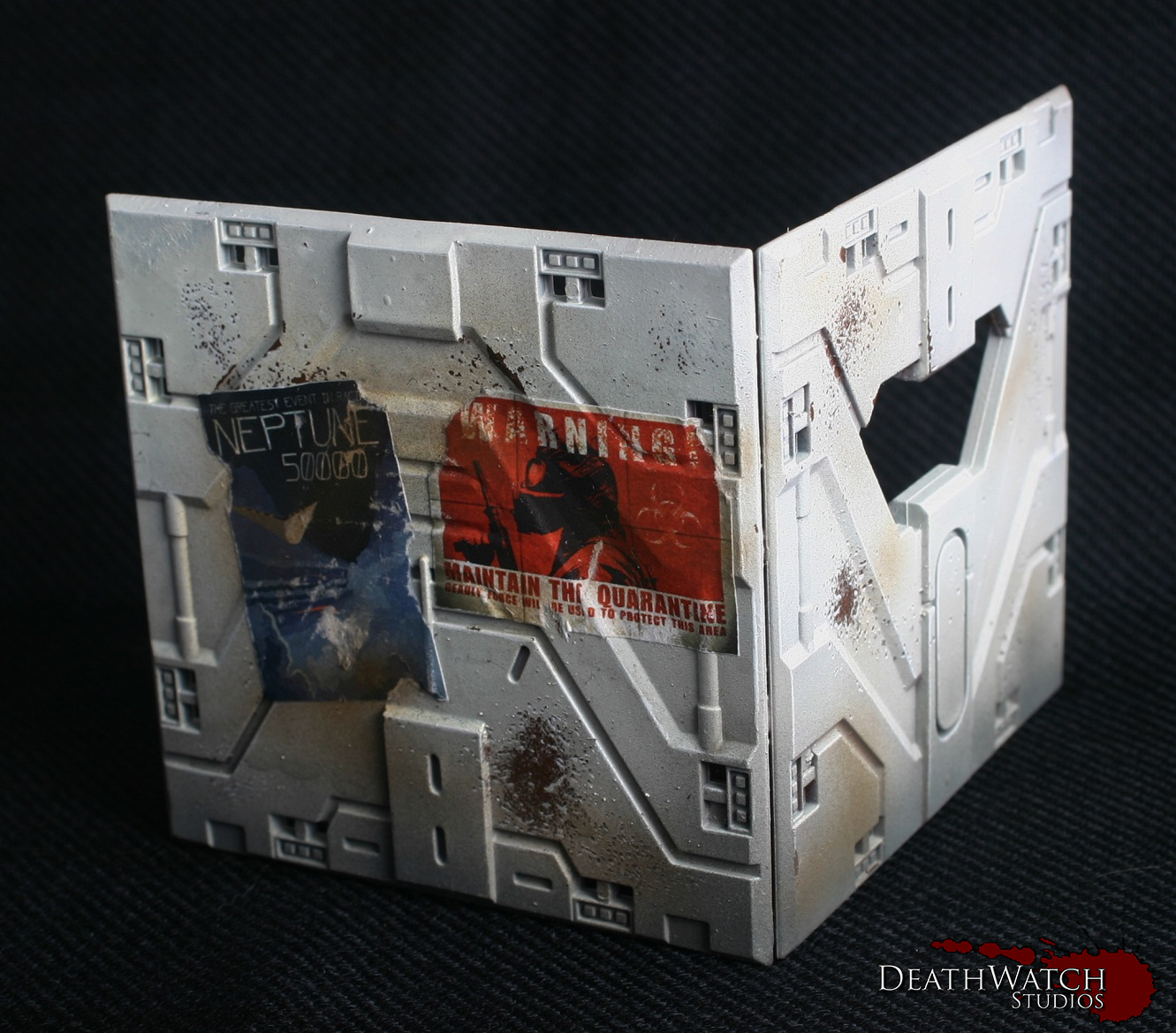
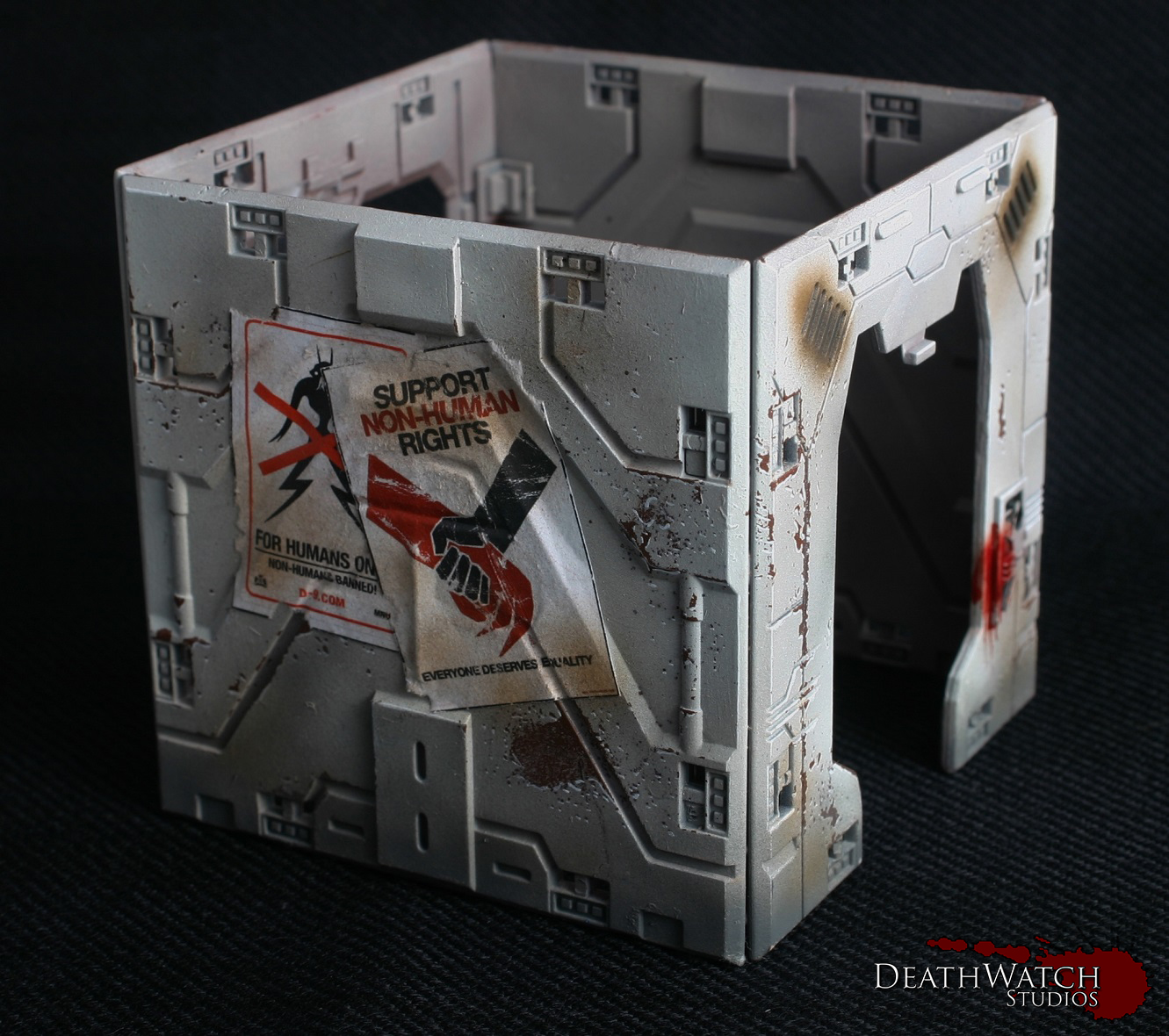
Over the weekend I decided to try something a wee bit different to add a little extra character to the Deadzone terrain, signposts and posters 🙂

The posters have I had not seen done before(until this weekend that is, when a few images were spotted on the Containment Protocol facebook page) I wanted to supply a wee bit of knowledge as to how to do it. First things first you need some images, I scoured the web looking for appropriate designs and cam up with a fair amount…

PostersThese will keep me going for a wee while 🙂

I know there is also a fantastic resource on the aforementioned facebook page in the files section (Kudos to Mr Patterson for those :)), in the form of a pdf filled to the brim with great designs.

Once these have been scaled and printed they were carefully cut out in preparation for applying. Before sticking them on I distressed them a little by either scrunching them up then flattening again or by tearing small sections from around the edges. To stick them on I gave it the old dry run, figuring out where a poster would go before any stickiness was applied. Once I had found the right location I affixed them in a paper mache style. I got a small tub and mixed some pva with water, at least 4 parts water to 1 part pva, dipped the poster in and scraped off any excess liquid. This was then applied to the area I wanted it and smoothed down, then left to dry. Here’s how they look…

Poster-1 Poster-2 Poster-3 Poster-4

The next thing I wanted to try out was some signs, primarily to add that touch of character I was talking about but also to give a few extra pieces of cover. These where made from a thing sheet of plasticard, some plastic tubing and the similar printouts to the posters. I started by cutting out and measuring the poster bits and cutting a section of plasticard to the same size. I then cut two or one(depending on the size of the sign) sections of plastic tubing out and glued these to the backs of the section of plasticard, making sure they were level at the bottom. The next bit to make was the base, I cut another section of plasticard this time winging it on the size but just making sure it was roughly the same length as the sign but deeper. Once cut I glued the sign to this. Once dry I then applied a coat of GW Astrogranite over the base to give it some texture.

Once all of that was dry it was onto painting them. I undercoated the whole thing black and used the following paints for each section:

Sign: Drybrush of Warplock bronze

Drybrush of Leadbelcher

Agrax Earthshade wash

Base: Coat of Mechanicus Standard Grey

Drybrush of Codex Grey

Drybrush of Fortress Grey

Drybrush of Terminatus Stone

Coat of extremely watered down Dryad Bark

I left all that to dry and then aplied the sign decal in exactly the same fashion as the posters, with watered down pva glue. Then applied a wee bit of weathering by adding some scrapes with Warplock Bronze and a few very light drybrushes of a 1:1 mix of Dryad Bark and XV-88, and another few light drybrushes of Mechanicus Standard grey, here and there. That all gave me these…

Large-Signs Small-Signs

Deadzone – Rebs Reinforcements!

Managed to get a hold of some reinforcements for the Rebs earlier this week in the form of these folks…

New-RebsThis gives me a good amount of extra guys to be getting on with, and I can’t wait to try them out on the battlefield.

The first new addition was a converted commander…

Alt-Commander-1 Alt-Commander-2I made this guy out of the Dreadball Veteran MVP, to link in with the coach I made up for my Teraton team. It was a simple job just replacing both arms. One with a Forgefather hand I had kicking around, the other with a corporation trooper gun arm. The gun arm was further altered, so he would have his trusty sniper rifle, with some plastic tubing and one half of a pair of Forgefather goggles for the scope.

I’ll also have these guys to paint up 😀 …

Kraaw

Kraaw

Judwan Medic

Judwan Medic

TK-Zero Weapons Team

TK-Zero Weapons Team

Zee Scavengers

Zee Scavengers

Tutorial – Deadzone Terrain Part 2

Continuing on from the other days post on the Deadzone terrain; Part 1, I’m going to continue to show you how I painted up my set of terrain.

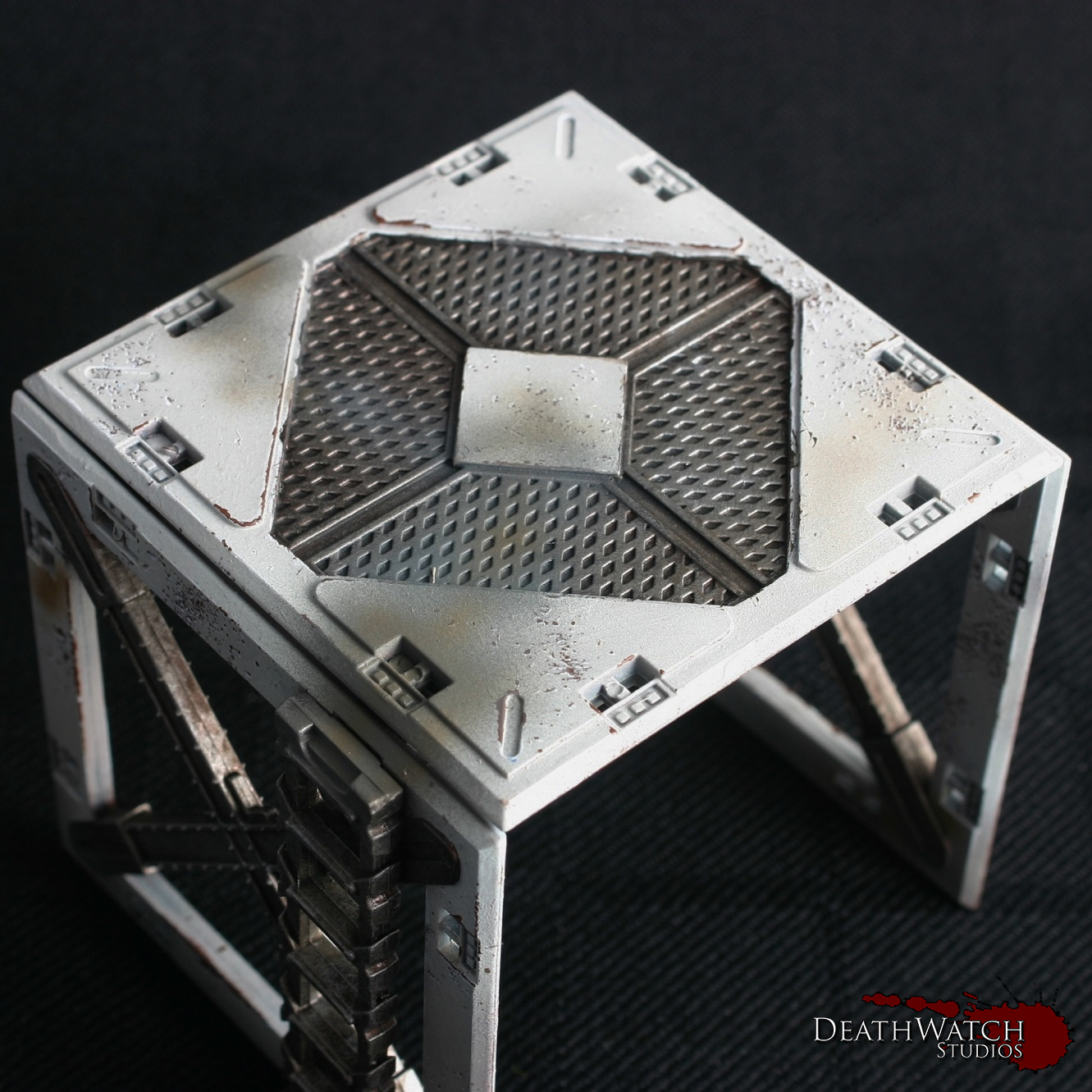
We left off with the salt still on the model, but the main colours laid down. Removing the salt is a fairly easy process, all you need is a mug of hot water and a light brush. The first step is to paint a coat of water over the whole of the model very gently and leave to soak in for a few minutes. Following this it’s a case of wetting the brush and lightly going over the areas where you can see salt. It should start to lift off fairly easily. For some more pronounced areas of chipping you can use a harder brush, such as a drybrush, to brush away the paint rather than just relying on the salt to give the effect. Most of the larger areas you’ll see on my terrain were created by doing this.

Once you have the desired areas taken away it’s worth leaving the model to cool and then give it a quick rinse under the tap. This helps clear away any residue left over by the process.

Once all that was done I ended up with something that looks like this:

Terrain-guide-6The next stage is to make it look a little nicer with some highlights. Using Ceramite white I gave it a fine edge highlight along the top of all the hard edges. Also to give a 3d effect to the paint chips I added a highlight to the bottom edge of each wee bit. This can take a wee while, but the effect you get from it is definitely worthwhile, and if your doing salt masking I would say essential. This is how it turned out:

Terrain-guide-7As you can see it really enhances the whole look 🙂

The next stage was all of the metals. To start them off I gave them a good basecoat of Warplock Bronze:

Terrain-Guide-8Which was followed by a drybrush of Leadbelcher:
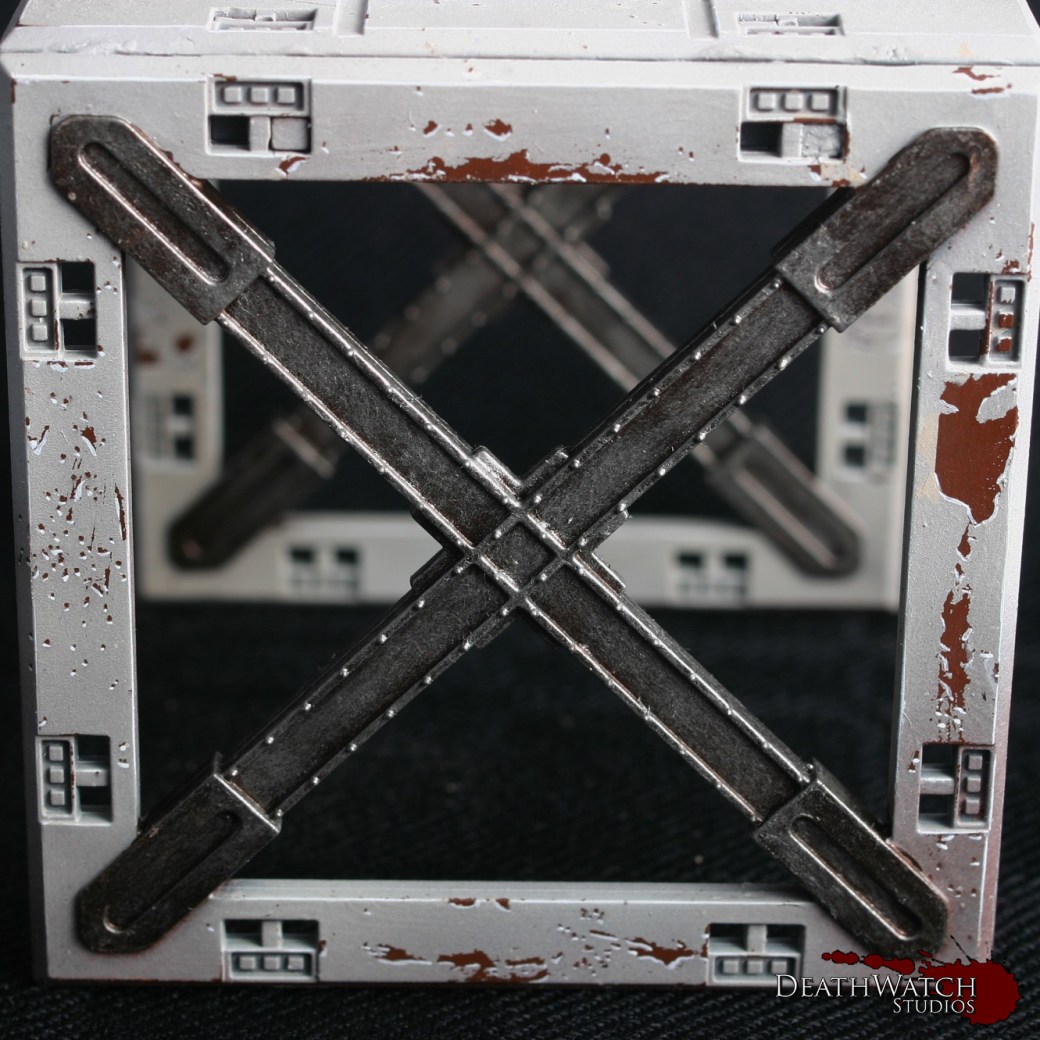
Terrain-guide-9To finish this off and tone it back a little it was then given a wash of Agrax Earthshade.

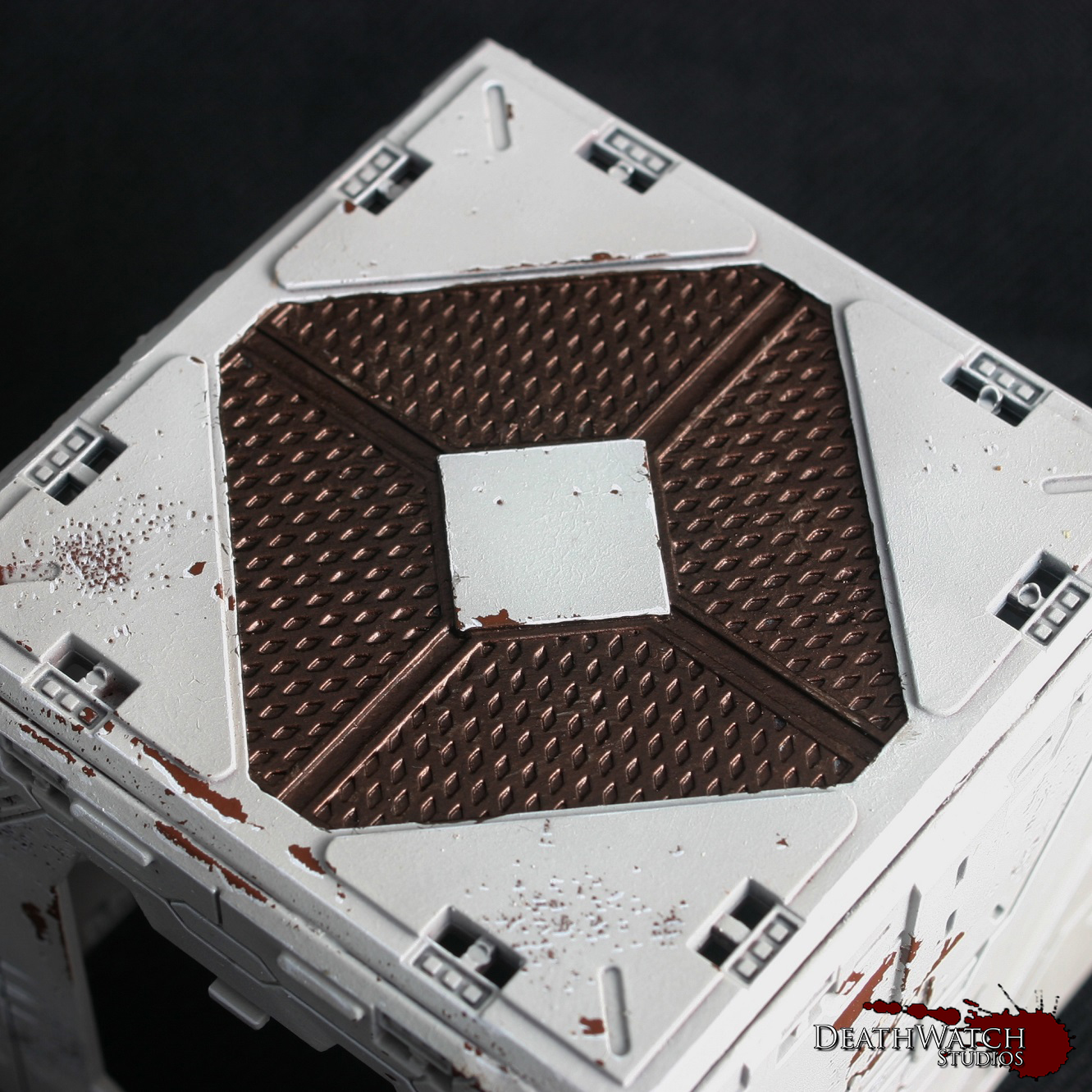
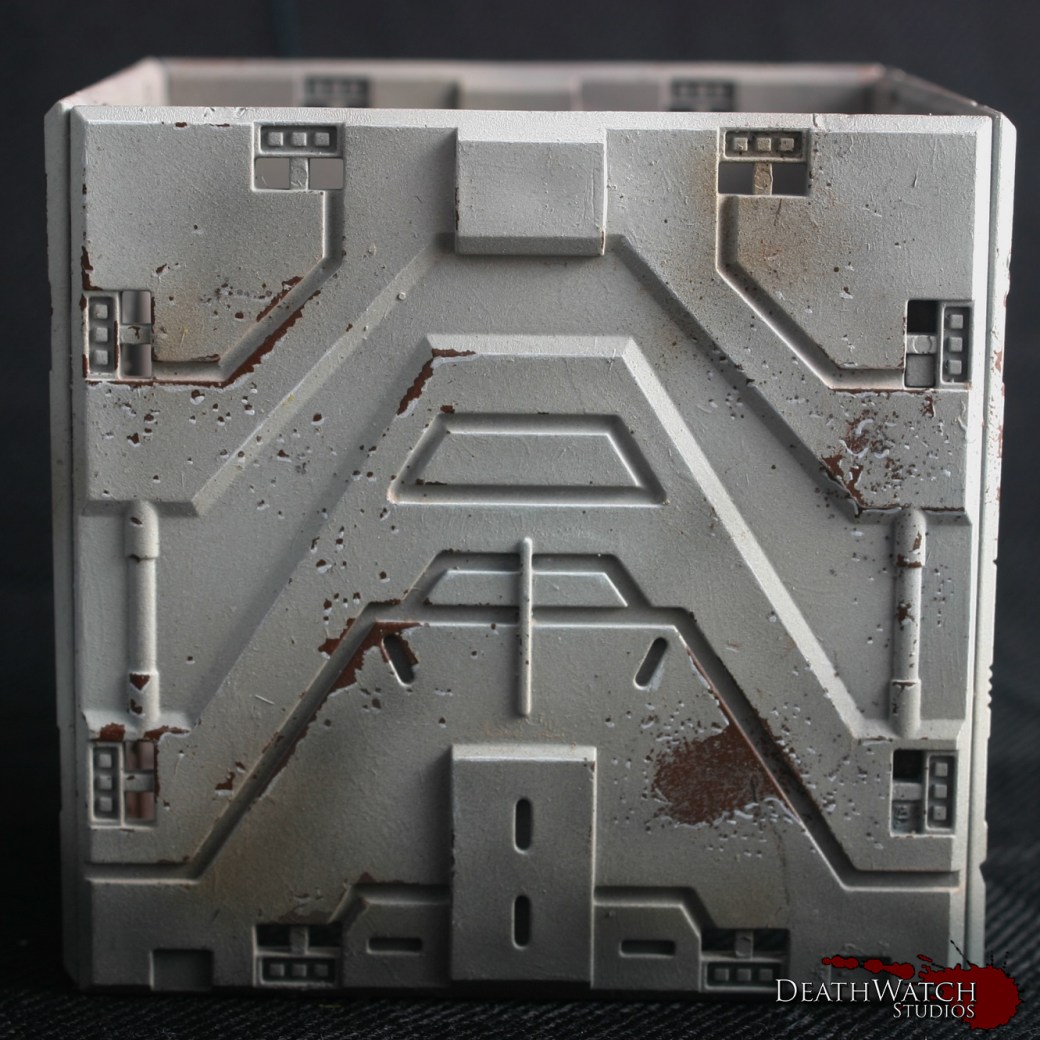
At this stage the bulk of the work is done and the terrain looks pretty good, but to really make it pop there was a few bits of detailing still to add. The first of these was a little bit more airbrushing, although drybrushing would certainly work just as well for them. I started by giving them a light dusting of Mechanicus Standard Grey along any section that would be touching the ground, this was to represent general dust and dirt kicked up around the buildings. The second was a dusting of XV-88 mixed with a little Dryad Bark sporadically over the terrain to add to the grimy, used nature of the buildings:
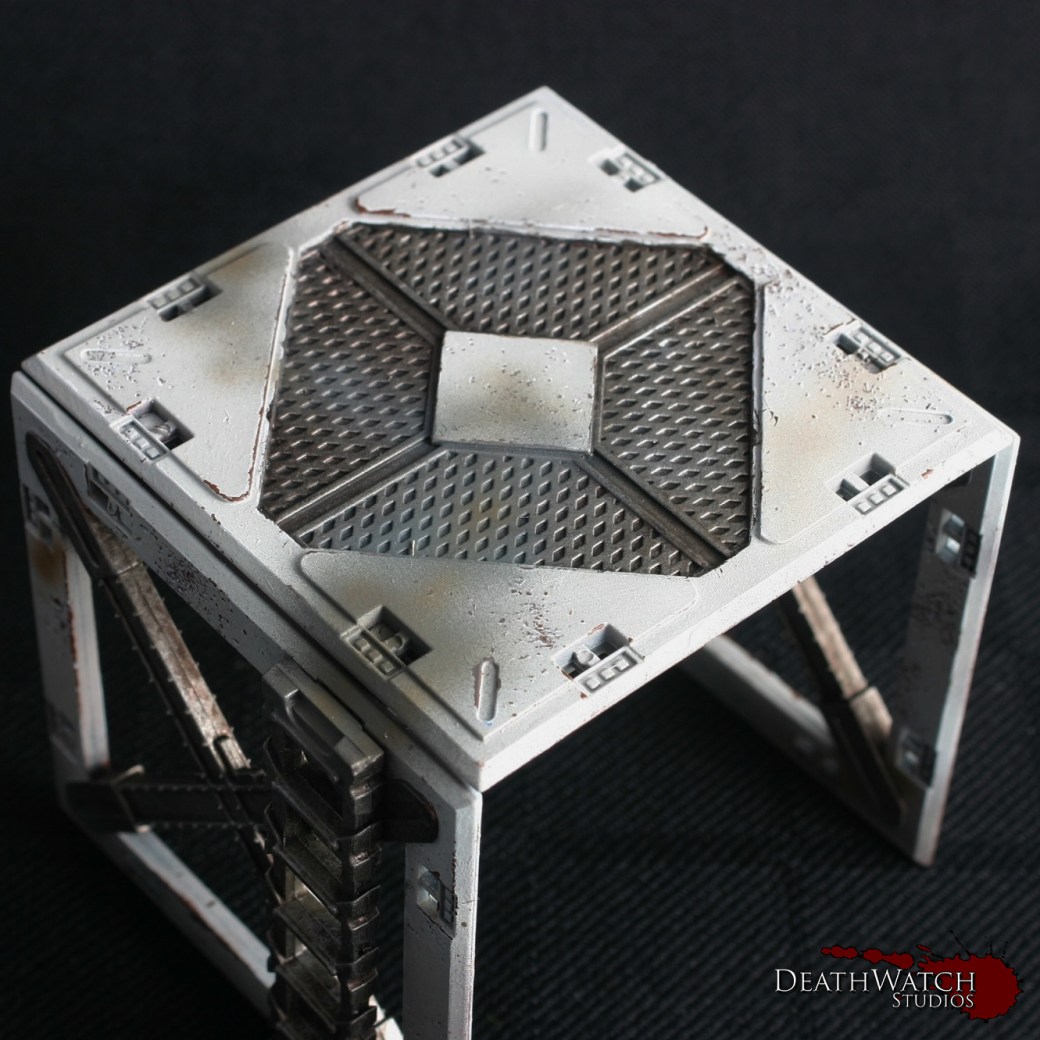
Terrain-guide-10A also used the same colours and effect on the tops of some of the terrain and the walkways to try and show the areas in which troops would have been moving about and the dirt and grime from there boots has dirtied the ground:
Terrain-guide-16Another touch I wanted to add was some weapon fire effects/burning. I used the same brown as previously to set down a base, adding small dots for laser fire markings and a larger area on some of the vents:
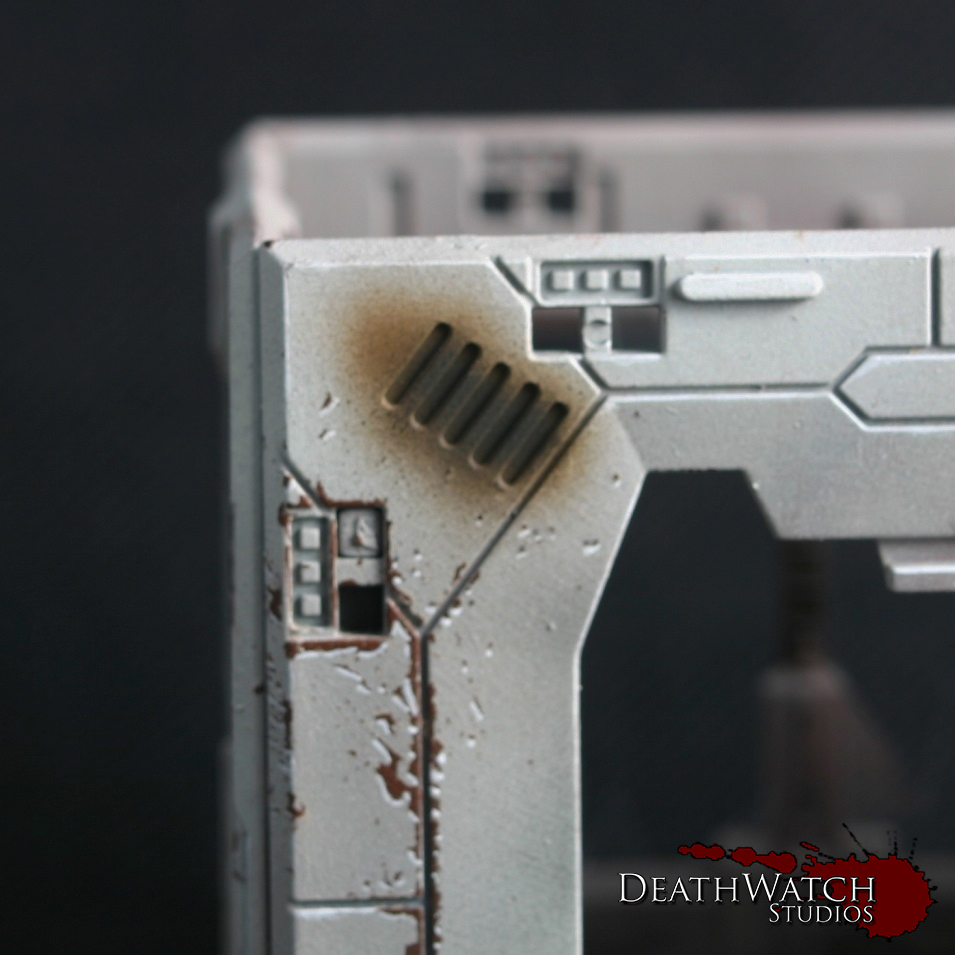
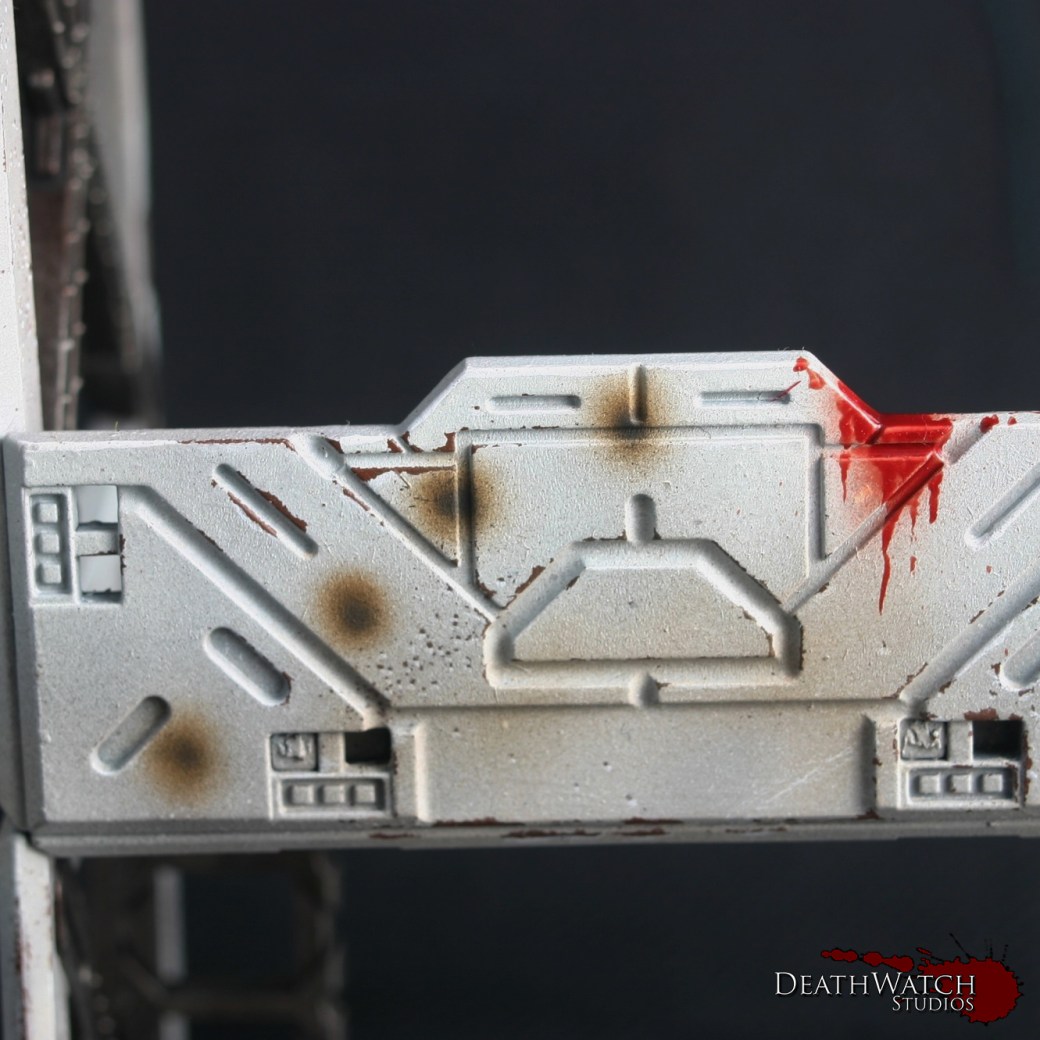
Terrain-guide-11 Terrain-guide-14I then added some black to the mix and added a smaller amount in the centre to finish off the effect.

Next up was blood splatter. Gotta have some blood splatter 🙂

I used the GW technical paint BLood for the Blood God for this, and have to say it is fantastic. Straight out the pot it looks great. The main difficult thing about it is just getting the shape and consistency of the splatter looking like it actually would. I would recommend taking it slow and steady, but also looking at some resources to see how real blood splatters. It sounds grim, but it helps. You also want to remember gravity, the blood will inevitably drip downwards if there’s any great amount so keep that in mind. Here’s a few examples of the effect I got:

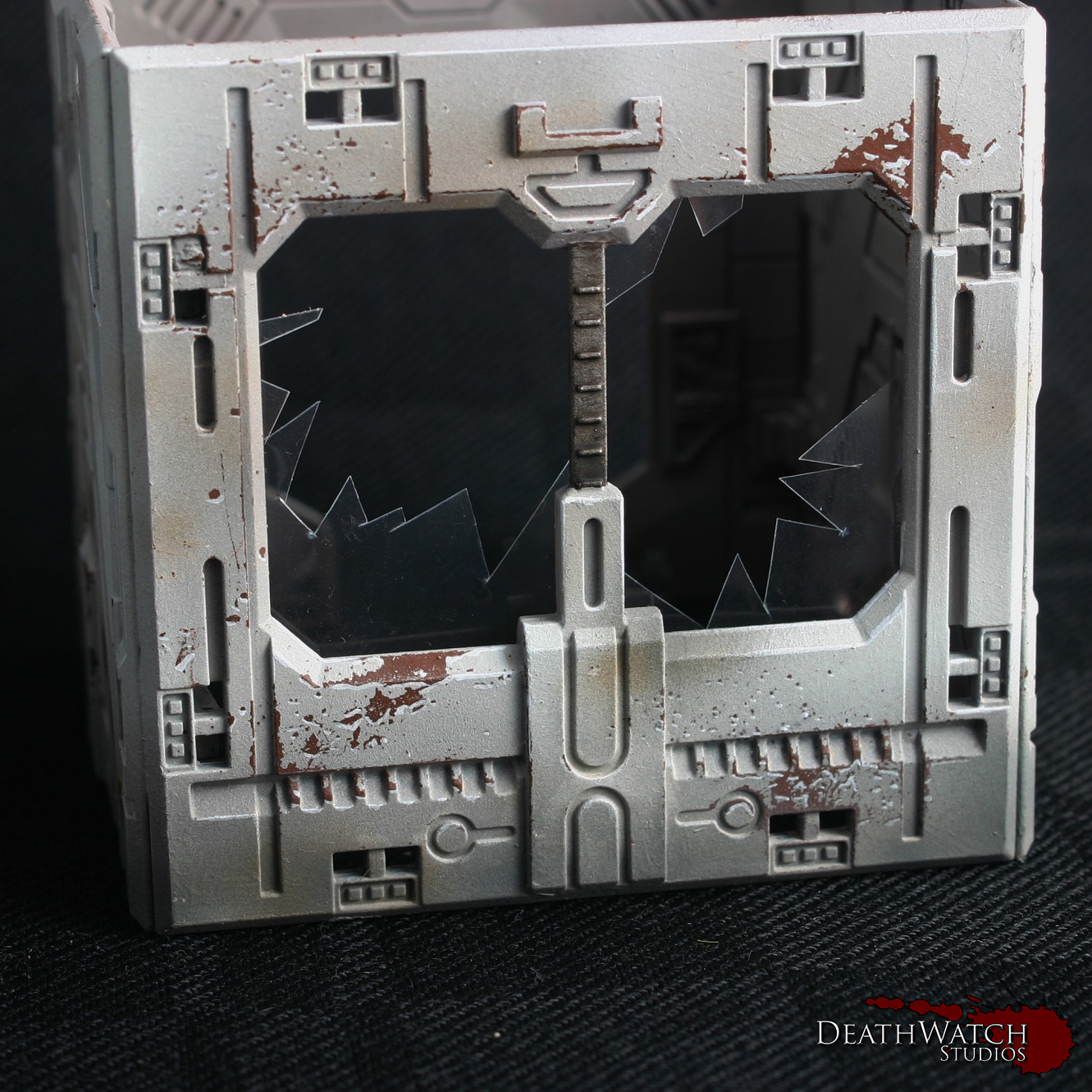
Terrain-guide-12 Terrain-guide-13 Terrain-guide-15The final thing I wanted to add was broken windows. I can’t remember where I first saw this being used with the Deadzone terrain, but the idea just grabbed me and wouldn’t let go.

I used some clear plastic packaging I had lying about cut up with a pair of scissors. It’s fairly simple to do, just cutting at angles and making sure it all is fairly straight and jagged. Before gluing always check to make sure you have a good fit, and it looks good in place. Once checked I just used a small dab of super glue to fix them in place. Honestly it can look a little haphazard from the back, which is why I’ve stuck with adding it to terrain pieces you can’t really see inside. Here’s an example of one of the set’s I put together:

Terrain-guide-17And that, my friends, is how I did my Deadzone terrain. If there is anything you think I may have missed or if you would like me to expand on anything just let me know in the comments.

Look out later in the week for some pictures of the whole lot together 🙂
Tutorial – Deadzone Terrain Part 1

I’ve been working through getting all the terrain painted up for my set of Deadzone and wanted to give everybody a run through as to how I have been doing it from start to finish. This first part will be focusing on the main colour whilst I will be doing another couple of parts later on this week on the rest of the main colours as well as some of the detailing.

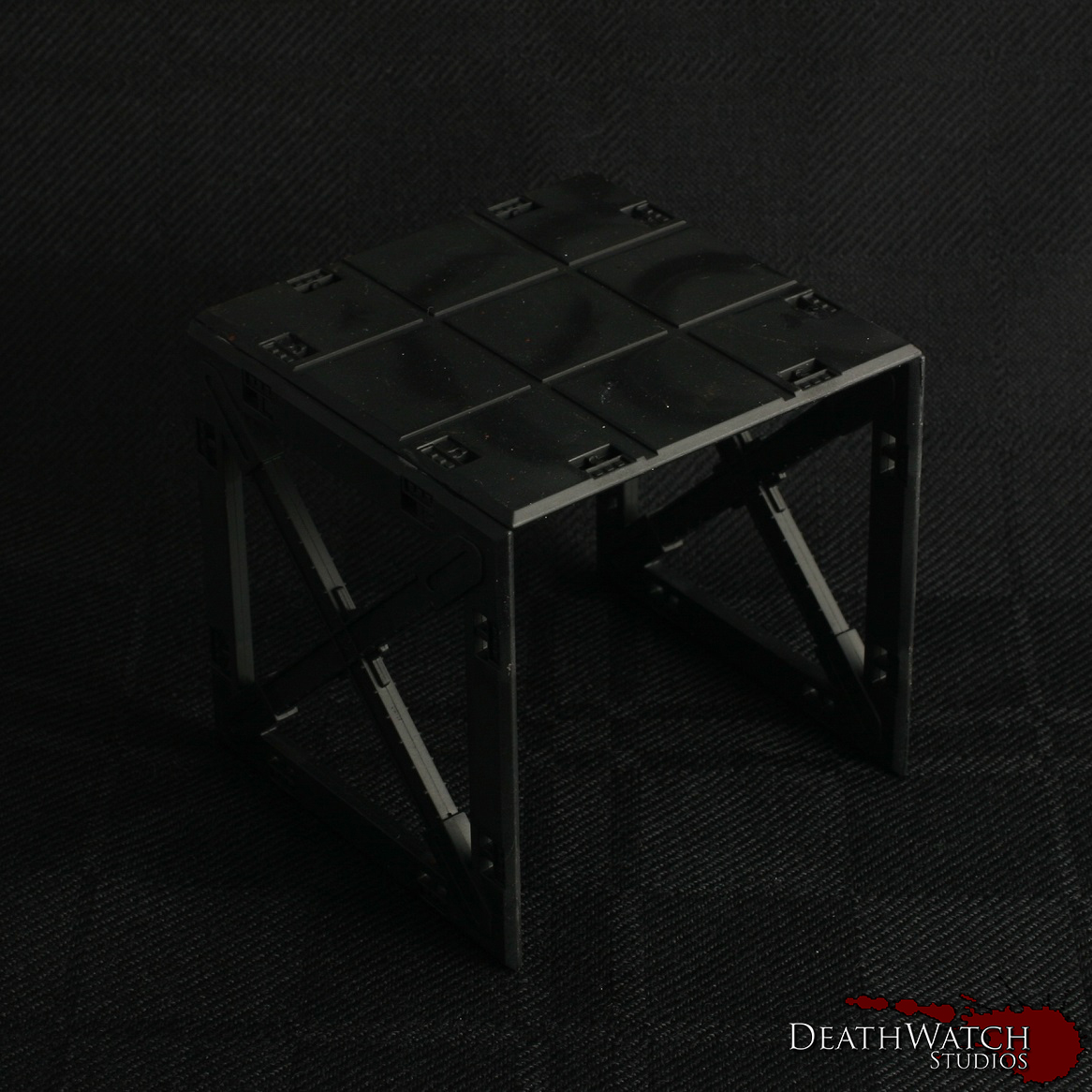
Construction: Before starting the painting I chose to glue all of the buildings, barricades and structures together. Whilst the clips are a useful idea ie being able to dismantle terrain after each battle/build them in different configurations, I felt this would be far too time consuming as well as leading to damaged clips needing replaced on a regular basis. Whilst I still used the clips in most instances to add some strength in areas, some sections where just glued on where there was enough support already (ceilings primarily). The only sections I didn’t glue together were each story of multi story structures. This allowed a bit more flexability when playing games, if for instance someone wanted to place a model inside, they didnt have to squeeze them through a window or door.

Painting: The first stage in getting the buildings painted up was an undercoat. I went with black:

Terrain-guide-1Once this had dried I applied a couple of coats of Doombull Brown until I had a nice flat colour all over:

Terrain-guide-2This is were I began the saltmasking, a technique I’ve used on all of my Rebs and a fair bit over the last few months. The first tutorial I used to get some help with this was found on Youtube, and you can see this here. I also found Whitewolves blog entry for this fairly useful, especially since it was the same kit.

The way I’ve done it was to give the terrain piece a healthy coat of hairspray (just a bog standard, cheap can from the supermarket), and sprinkle some salt over the areas I was looking for the weathering:

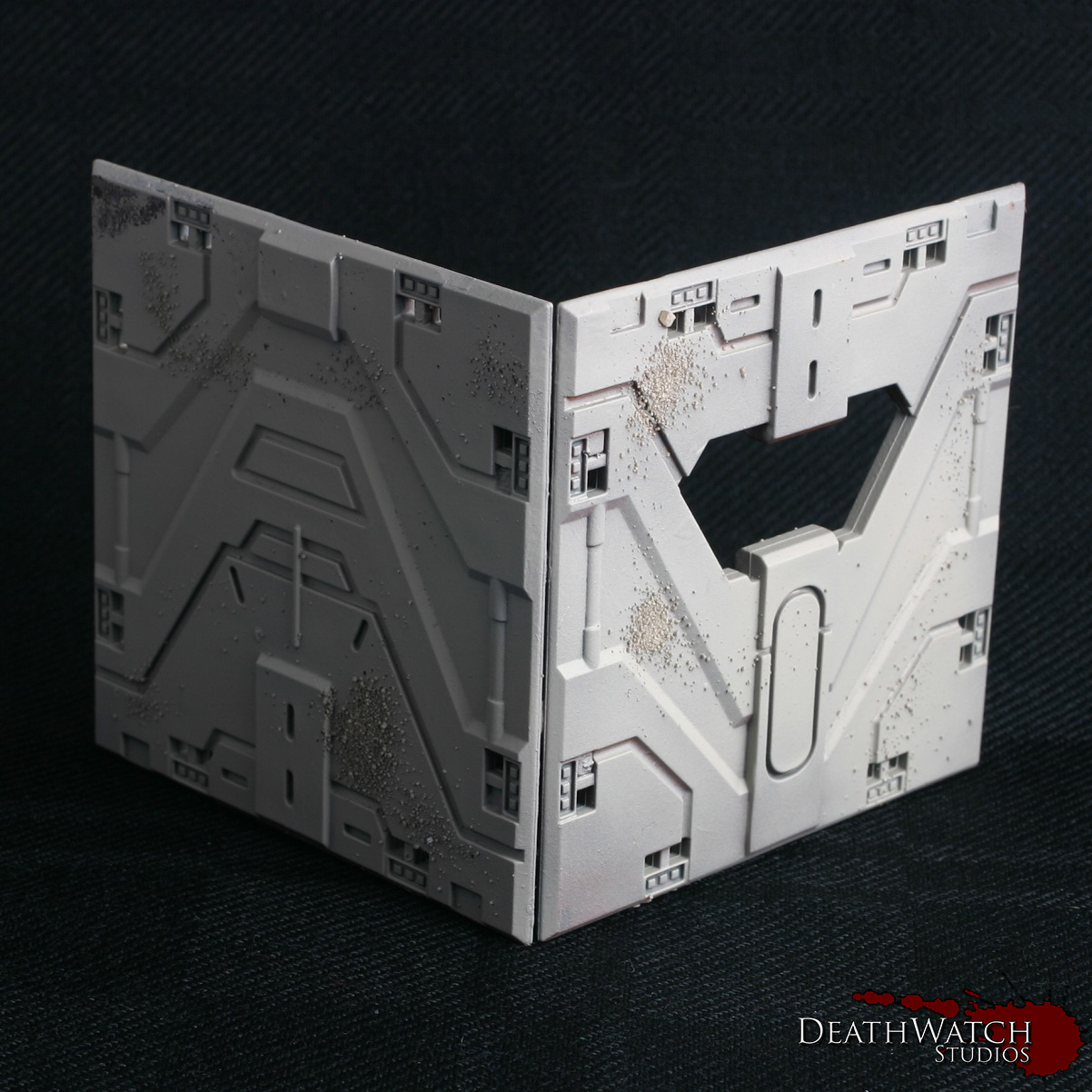
Terrain-guide-3I usually left this to dry for at least a couple of hours, just to be sure, but once dry its onto the top coat. This is were an airbrush comes in very handy and I would maybe even go so far as to say it is essential. You need very thin coats on top of the salt in order for you still to be able to remove it easily. So with airbrush in hand I gave the whole thing a coat of Rakkarth Flesh:

Terrain-guide-4This gives the main base colour, but to add a little more definition I then added a highlight coat of Menoth White Highlight but just over the top half of the terrain piece and at a 45 degree angle:

Terrain-guide-5The terrain is now ready to have the salt removed and then onto some proper painting :), which I’ll be going into in the next part.